Pack-a-Punch and Double PaP
- Updated
- Jul 2, 2026

Overview
In Zombies in Spaceland, the zombies can be quite resilient, making the Pack-a-Punch machine an essential upgrade to enhance your weapons and improve your gameplay experience. To activate it, you'll need to turn on the power in four distinct areas of the map and link their teleporters to the central hub.
Step 1: Activate Power and Teleporter in Kepler System
First, head towards the Kepler System area.
- Locate the first power switch on the wall behind the "Power This Way" sign.
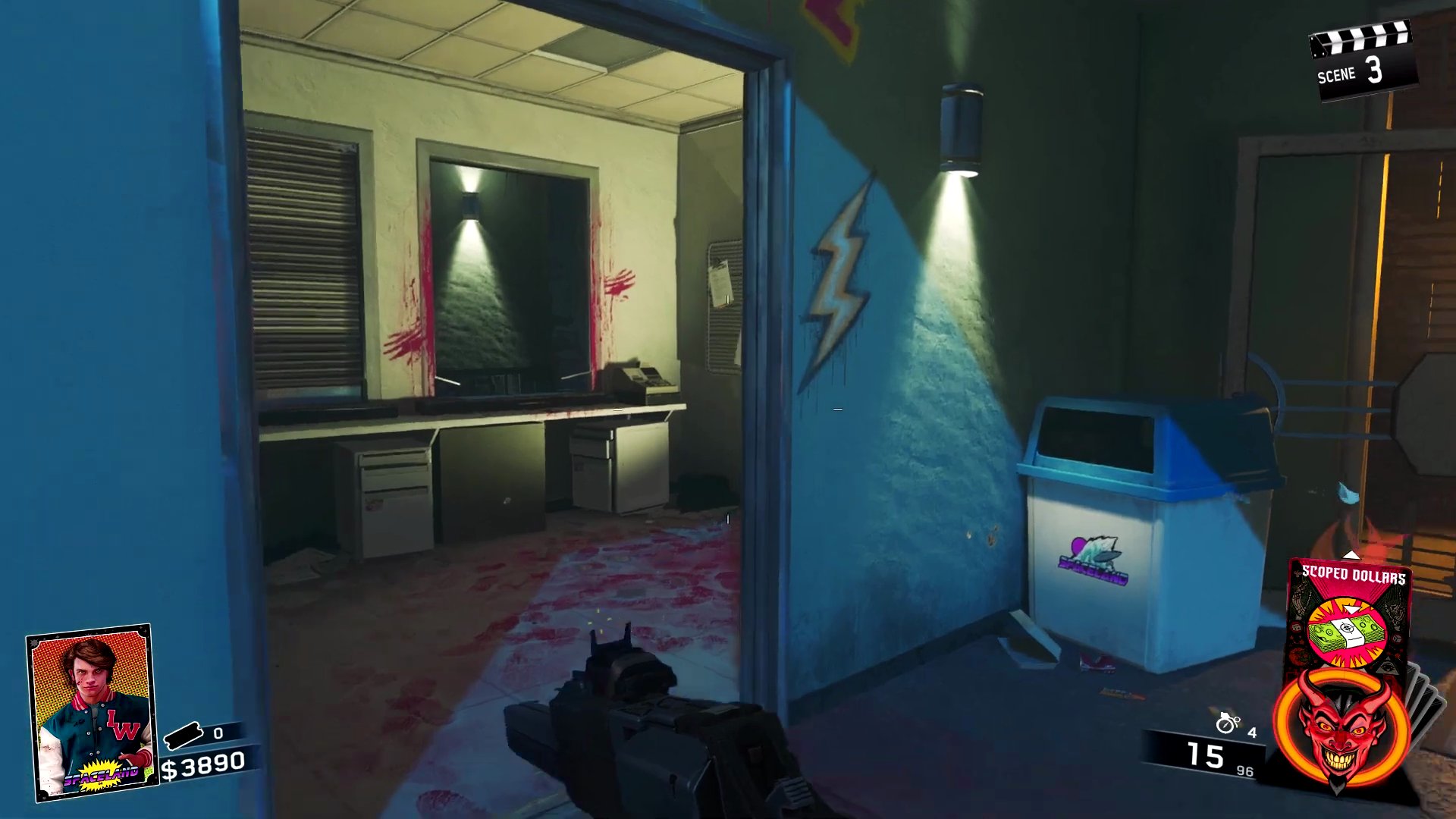
- Activate the power switch.
- Proceed to the portal control box in the Kepler System area.
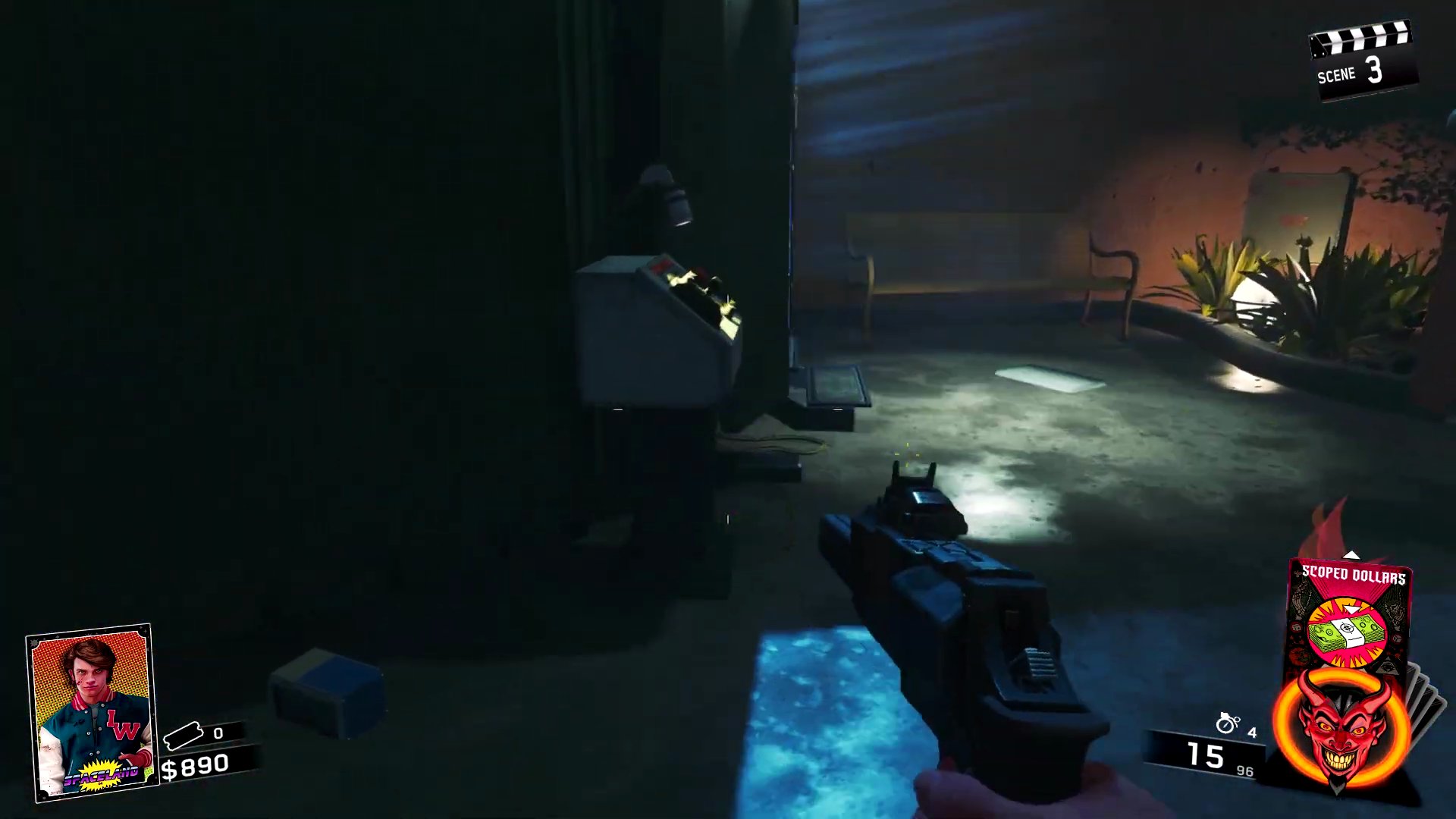
- Activate this portal, which will teleport you back to the Central Hub.
Step 2: Activate Power 2nd Teleporter
After returning to the Central Hub, you'll notice one light is active above the main teleporter, indicating the Kepler System teleporter is now linked.
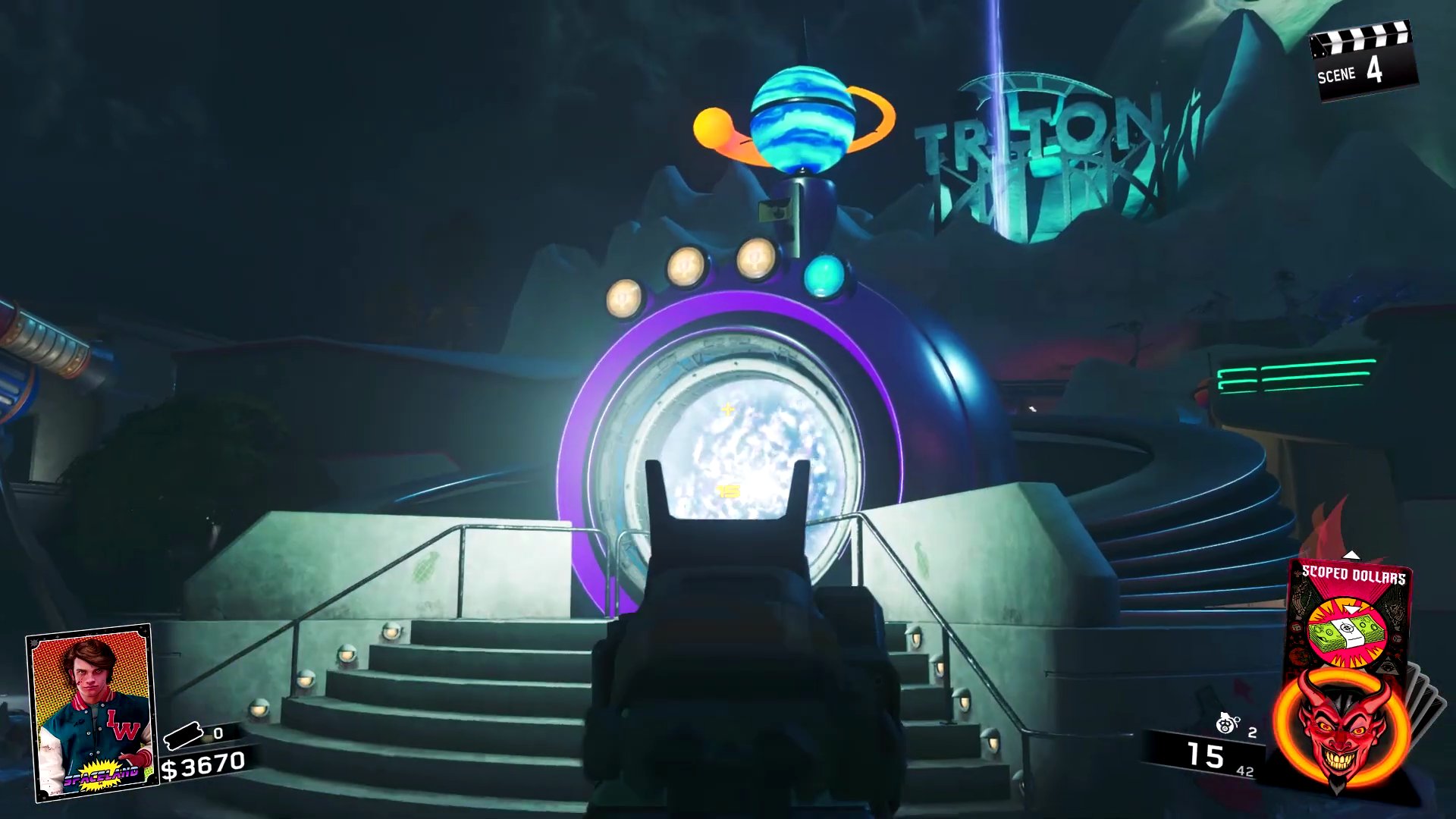
- Next, make your way to the left side of the map from the central area.
- Find and activate the power switch on the wall near the entrance.
- Activate the portal to return to the Central Hub.
Step 3: Activate Power and Teleporter in Astrocade
Return to the Central Hub; two lights should now be active above the main teleporter, signifying that the Cosmic Way teleporter is also linked.
- Travel to the Astrocade area.
- Locate the third power switch on the wall, often near the arcade machines.
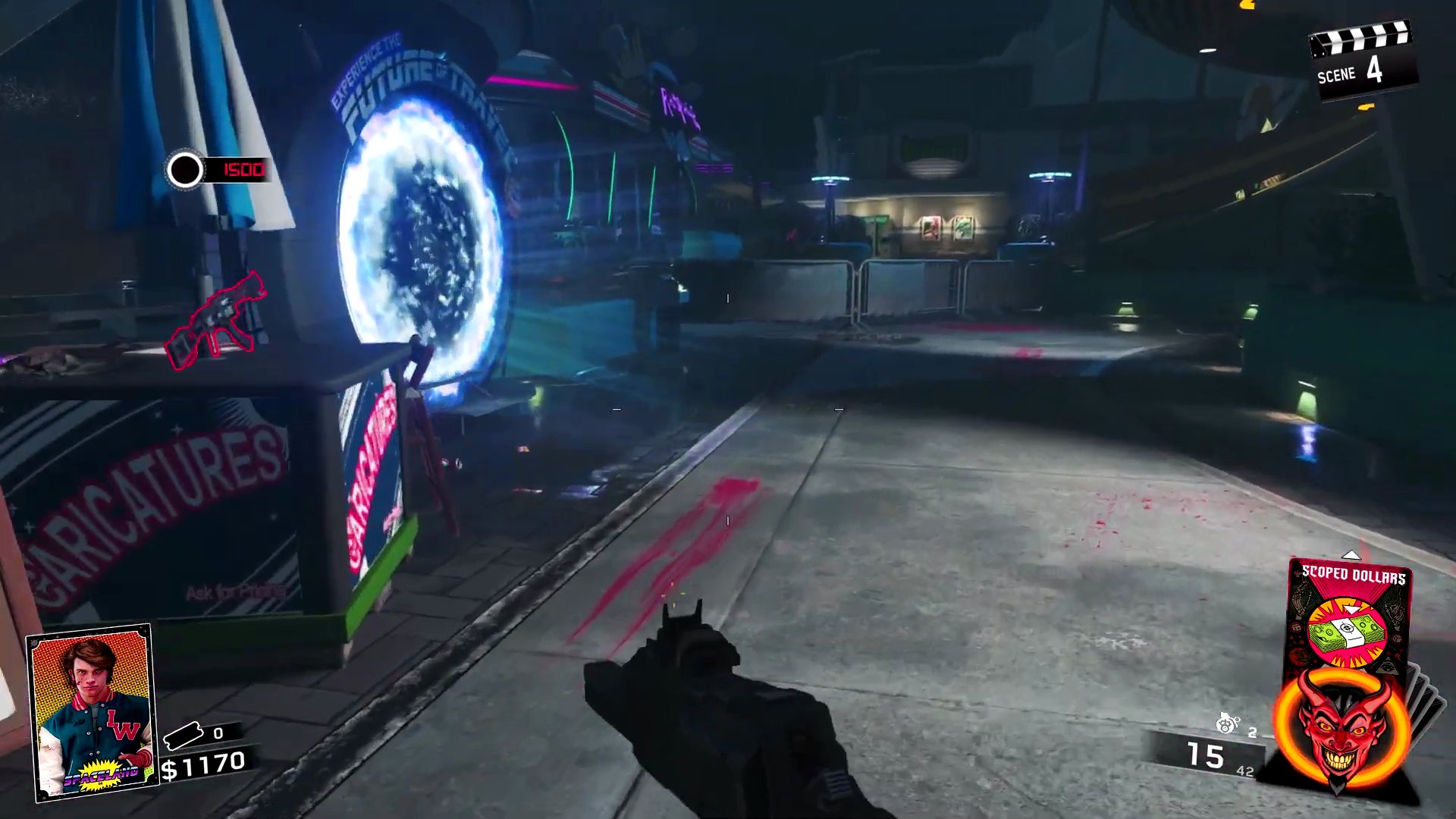
- Activate the power switch.
- Go to the portal control box within Astrocade.
- Activate the portal to return to the Central Hub.
Step 4: Activate Power and Teleporter in Polar Peaks
Back in the Central Hub, you should see three lights active above the main teleporter, indicating Astrocade's teleporter is linked.
- Finally, proceed to the Polar Peaks area.
- Find and activate the fourth power switch at the top of the second slope, behind a door.
- Locate the portal control box in Polar Peaks.
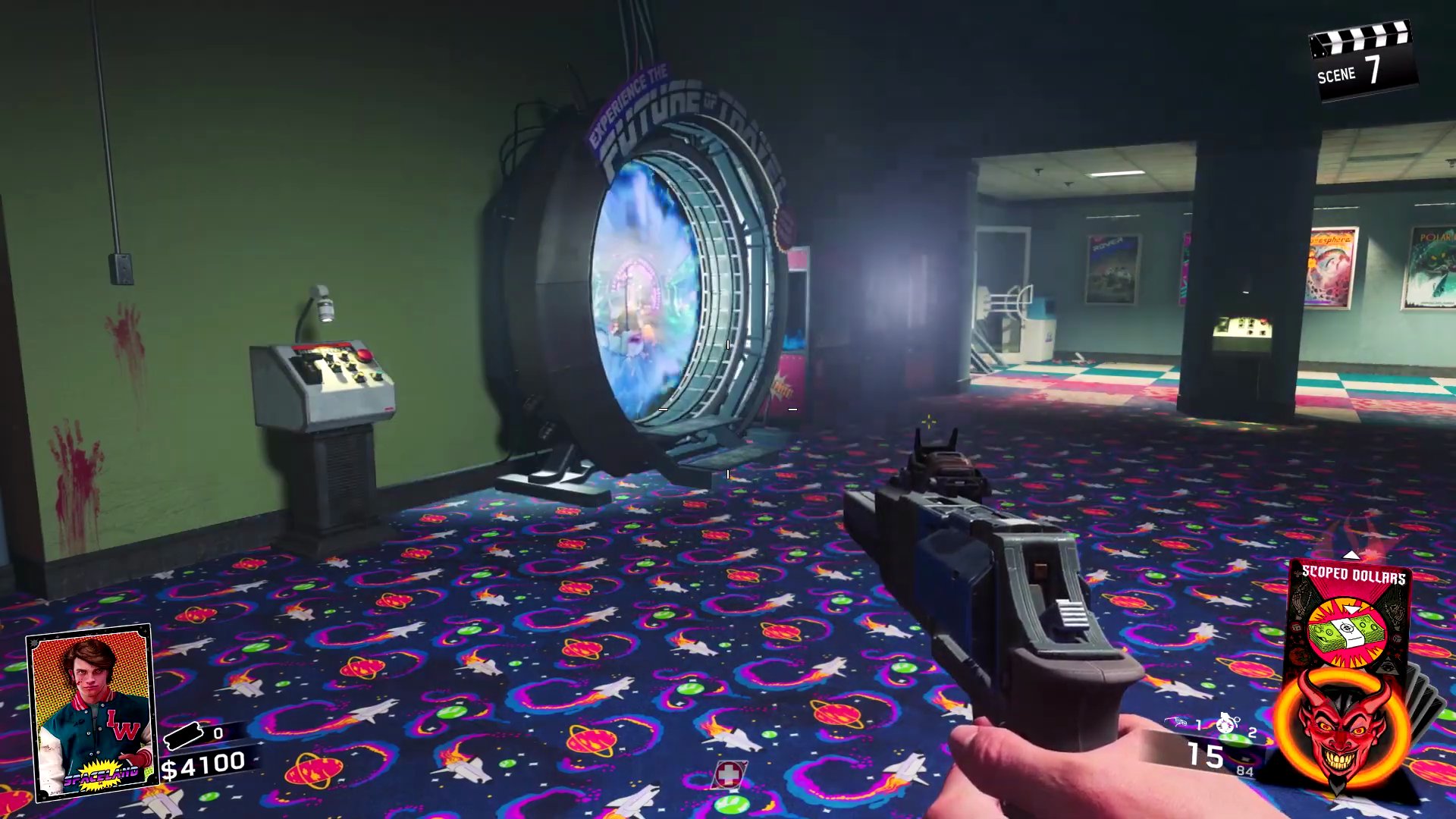
- Activate the final portal to return to the Central Hub.
Step 5: Access and Use the Pack-a-Punch Machine
With all four area teleporters activated, all four lights above the central teleporter in the Central Hub will be on, indicating that the Pack-a-Punch machine is now accessible.
- Approach the central teleporter and activate it to travel to the Projector Room.
- Once in the Projector Room, you will find the Pack-a-Punch machine.
- Interact with the machine to upgrade your weapon for $5000.
- Your weapon is now fully upgraded, providing increased damage and other benefits!
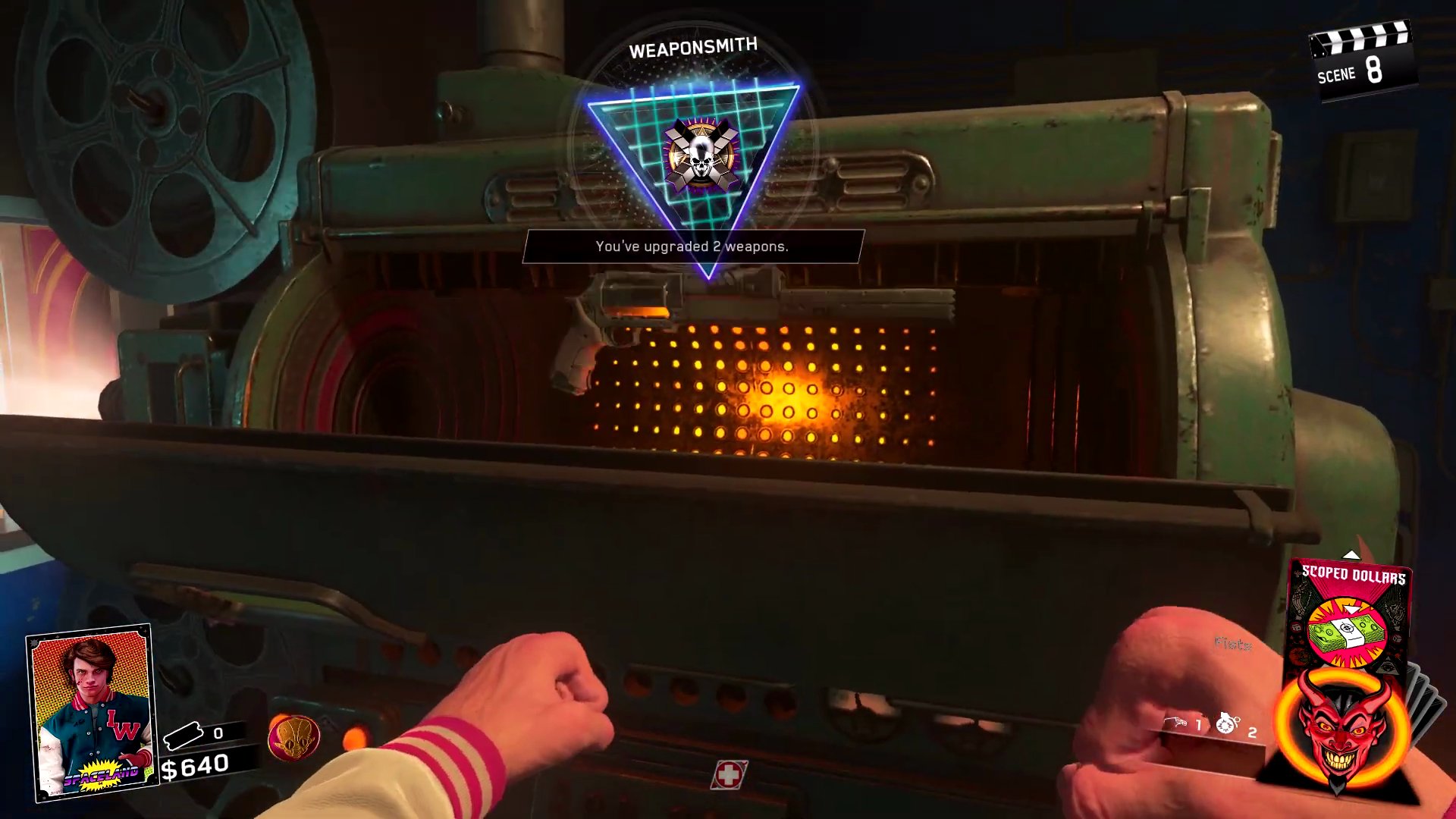
Pack A Punch Upgrade - Double PaP
A second tier can be unlocked by doing the main easter egg quest. You must kill the alien and collect its fuses, then insert them into the pap machine. See the Main Quest in Zombies in Spaceland for a full guide
Finished the Easter Egg?
Send this guide to your squad.