Neil and The Hoff Summon
- Updated
- Jul 2, 2026

Overview
This guide will walk you through the process of repairing N3IL, the robot assistant, in Zombies in Spaceland. By completing his challenges and keeping him operational, you'll unlock the ability to summon David Hasselhoff (The Hoff) to assist you, offering powerful support and even revives.
Step 1: Repairing Neil's Head
Your first task is to bring Neil back online by finding and reattaching his head.
- Locate Neil, the robot, who is found in the spawn area.
- Find Neil's head. It will always be on the 'Candy Cluster' cart located in the spawn area, near the bridge leading to Polar Peak.
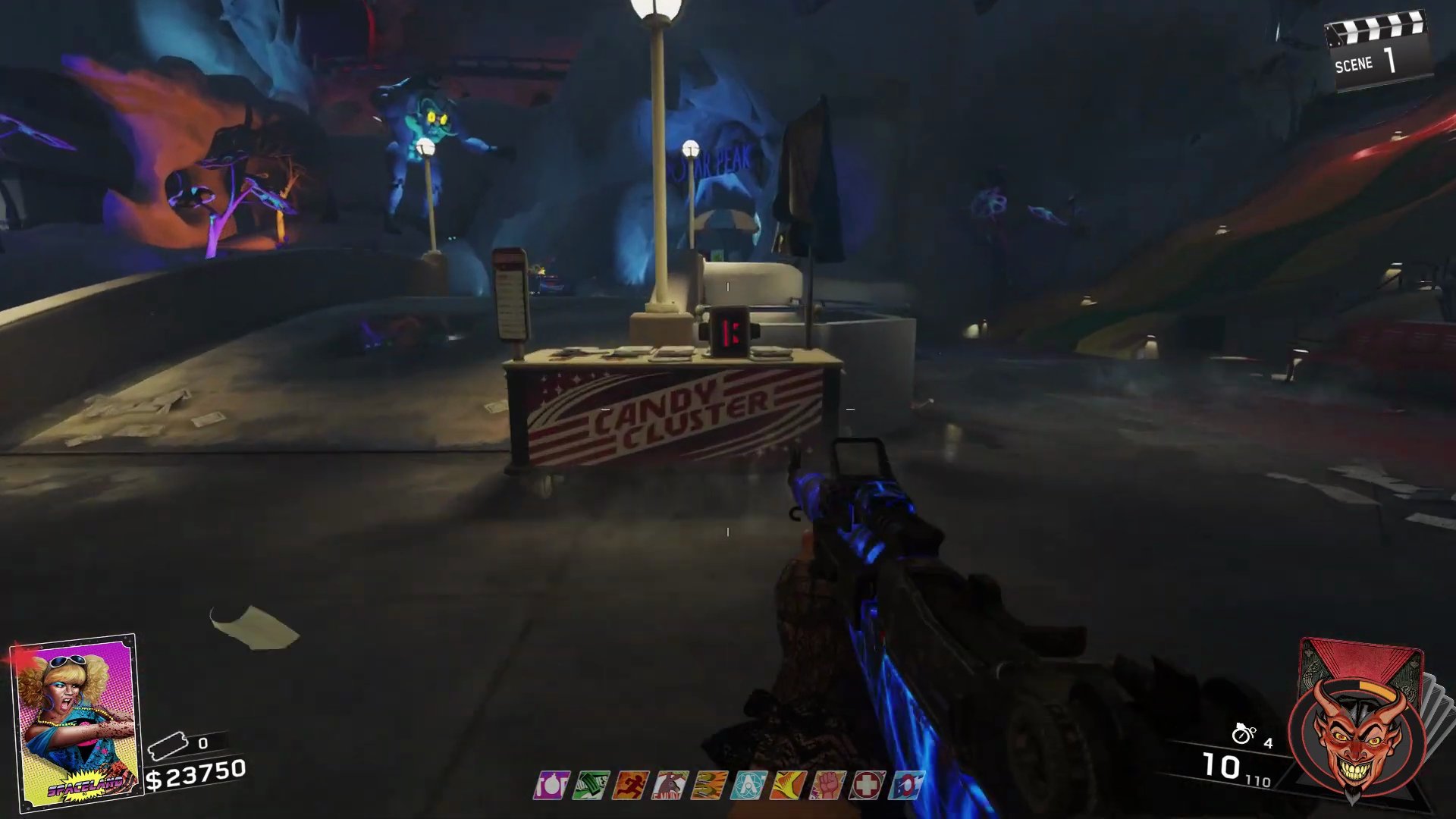
- Grab the head and reattach it to Neil. He will then come back online.
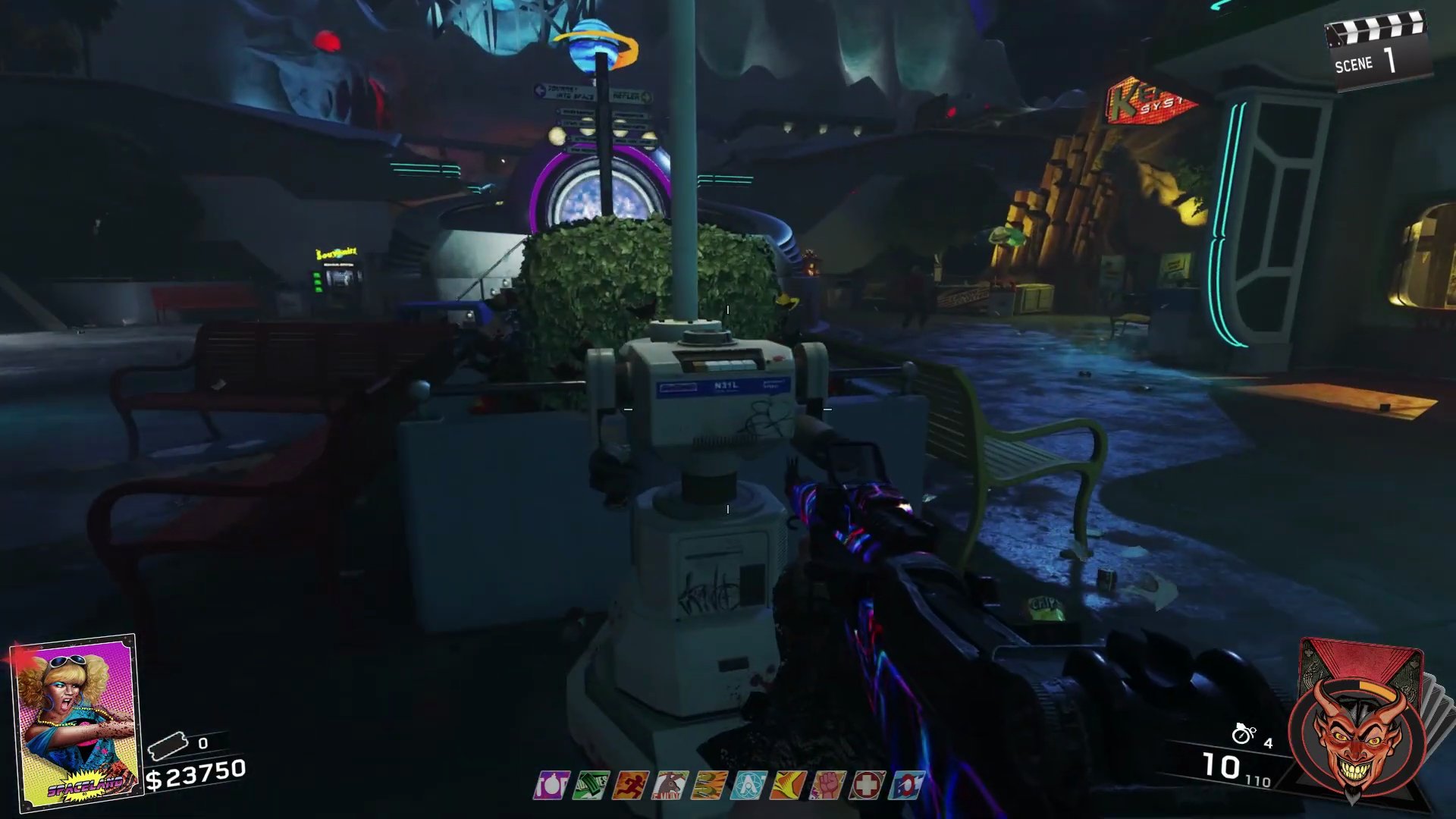
Step 2: Neil's First Set of Challenges & Summoning The Hoff
Once Neil is online, he will present you with timed challenges. Completing five of these challenges will allow you to activate the 'Night Industries 2000 Protocol' and summon David Hasselhoff.
- Complete five of Neil's timed challenges. These can be random tasks like killing zombies with melee, killing them from a distance, or getting kills while jumping.
- If you fail a challenge, Neil will give you another random, uncompleted challenge without penalty.
- You can interact with Neil to pause the challenge timer, which is especially useful in earlier rounds if you're waiting for zombies to spawn.
- After completing five challenges, activate the 'Night Industries 2000 Protocol'. Neil will fly up, and David Hasselhoff will descend.
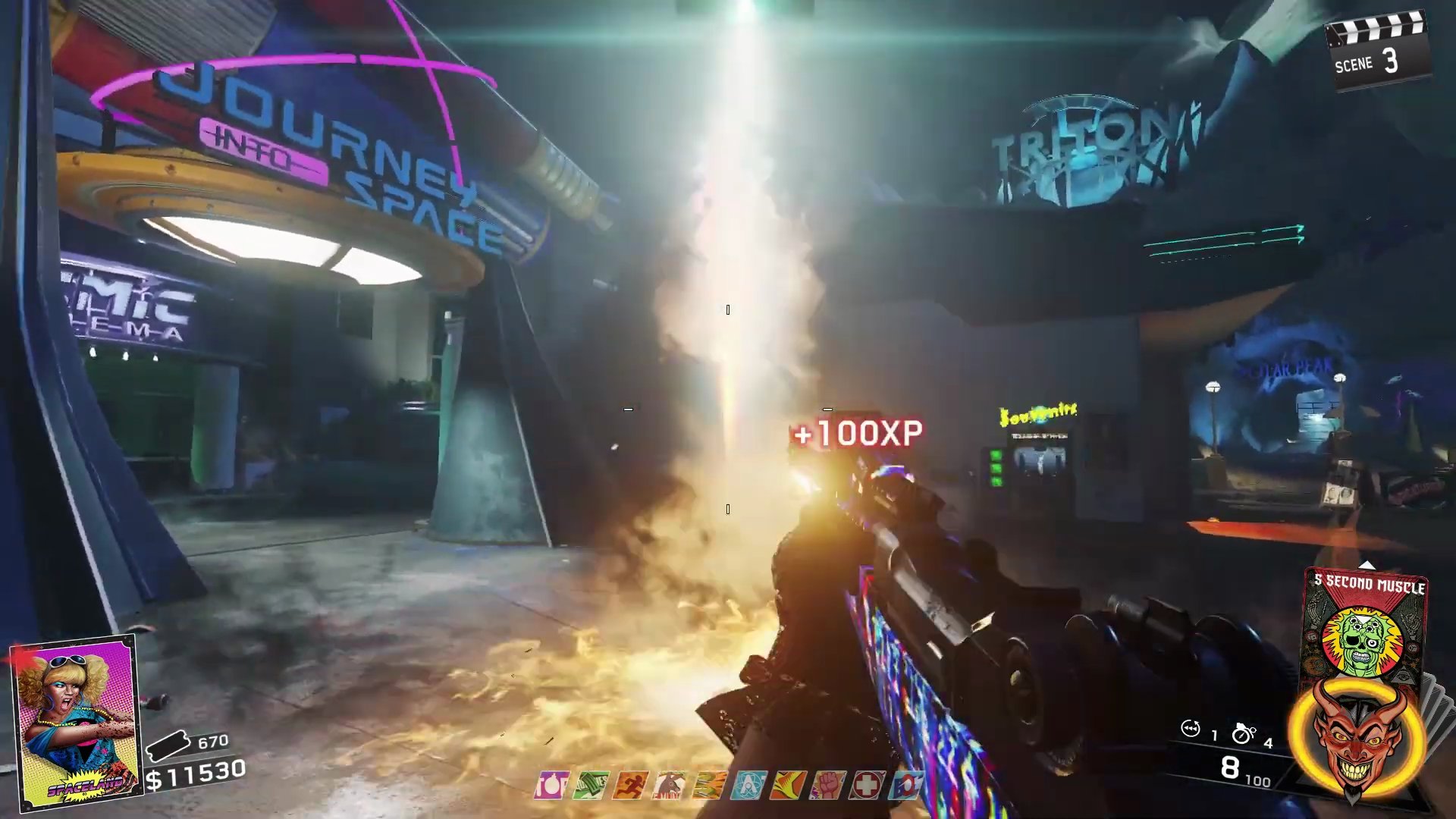
- The Hoff provides valuable assistance by blasting zombies with his E-Rad and can even revive downed players, including in solo play.
Step 3: Neil's Second Repair - Auxiliary Battery
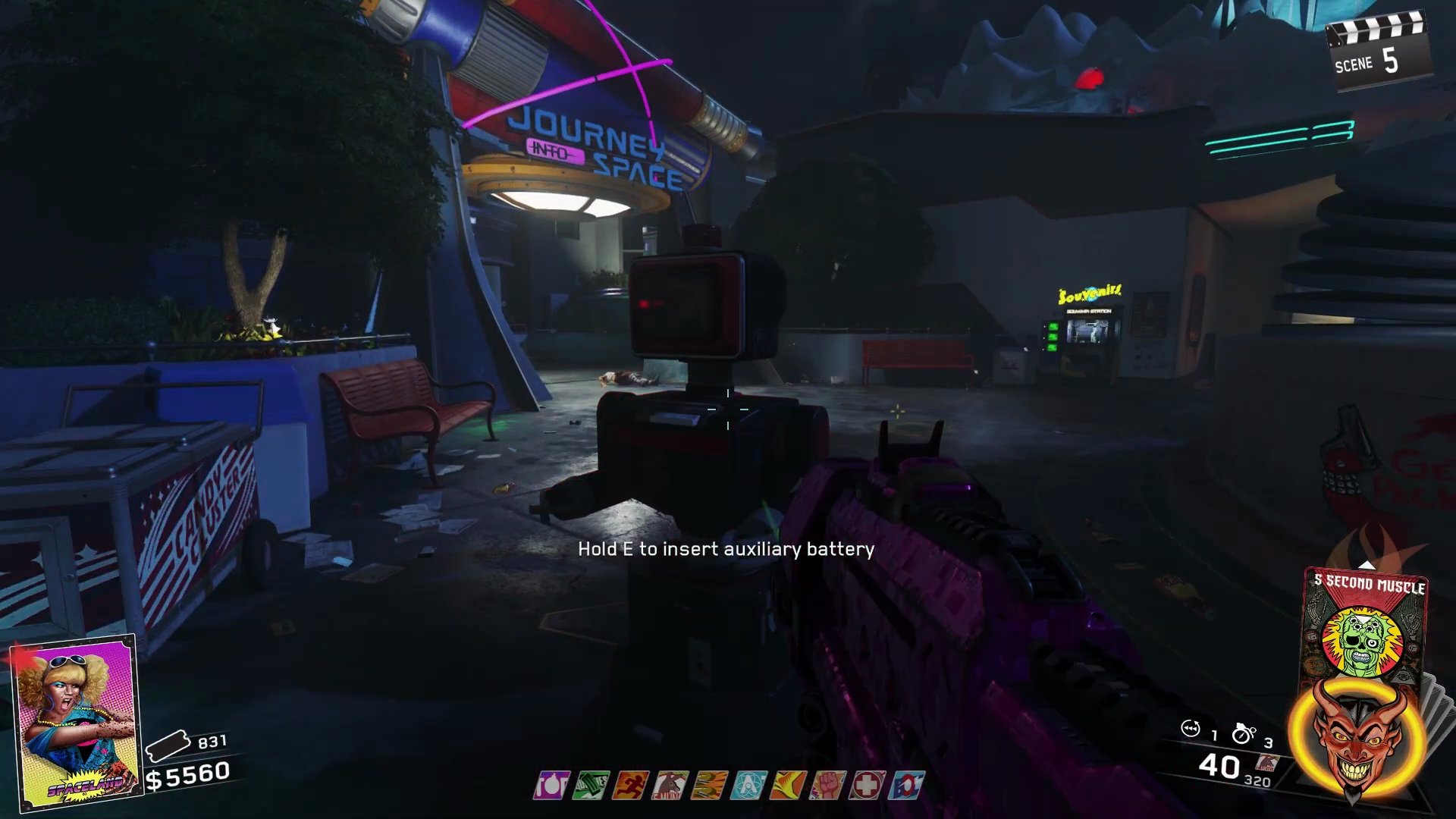
After a period of time, The Hoff's timer will run out, and he will fly off. Neil will then become inactive, requiring an auxiliary battery to reactivate him.
- The Hoff will return to Neil and fly back into the sky, leaving Neil inoperable.
- You will need to find and install an auxiliary battery. There are six possible spawn locations for the battery:
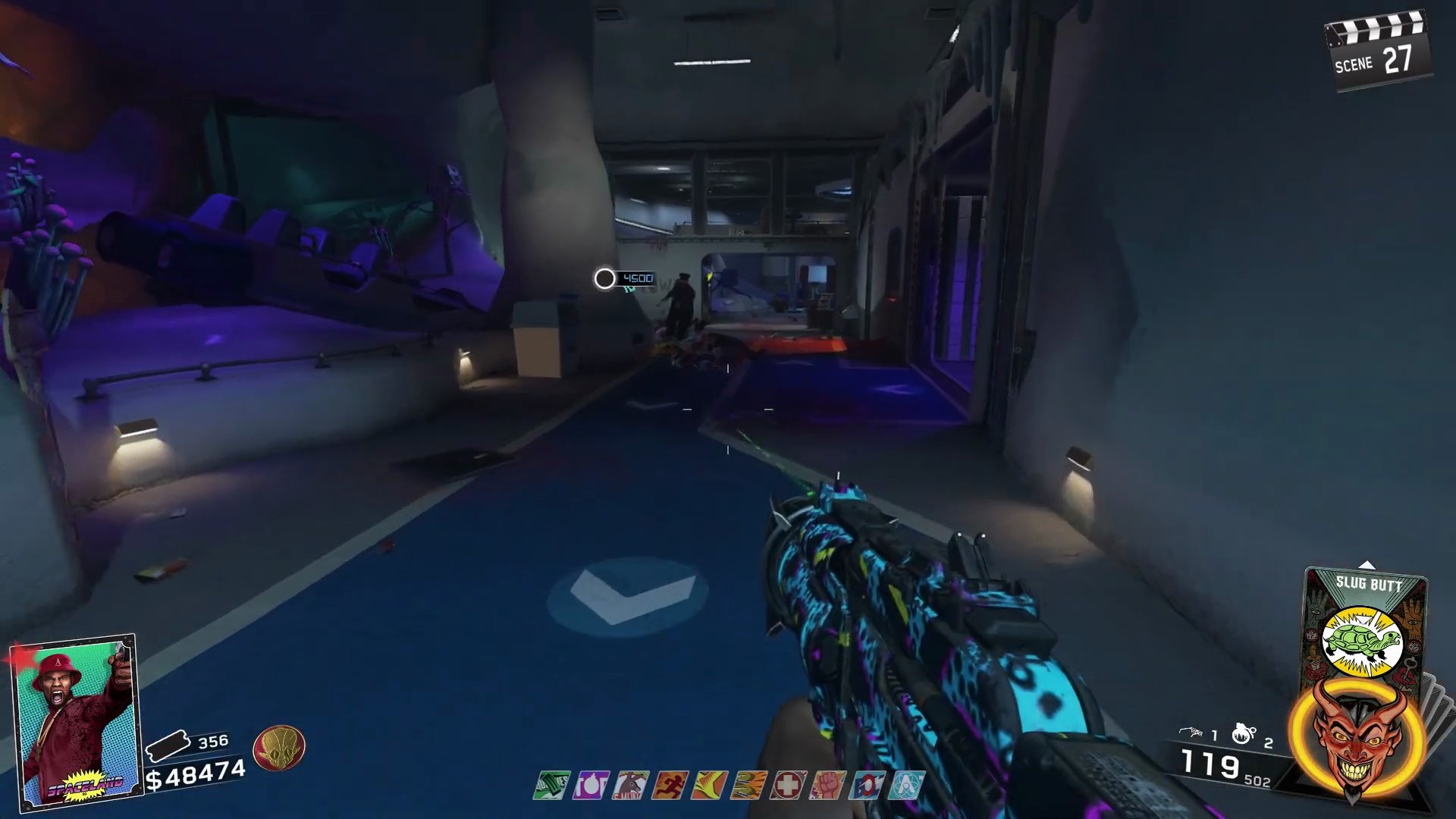
- On a trash can at the main entrance to Polar Peak.
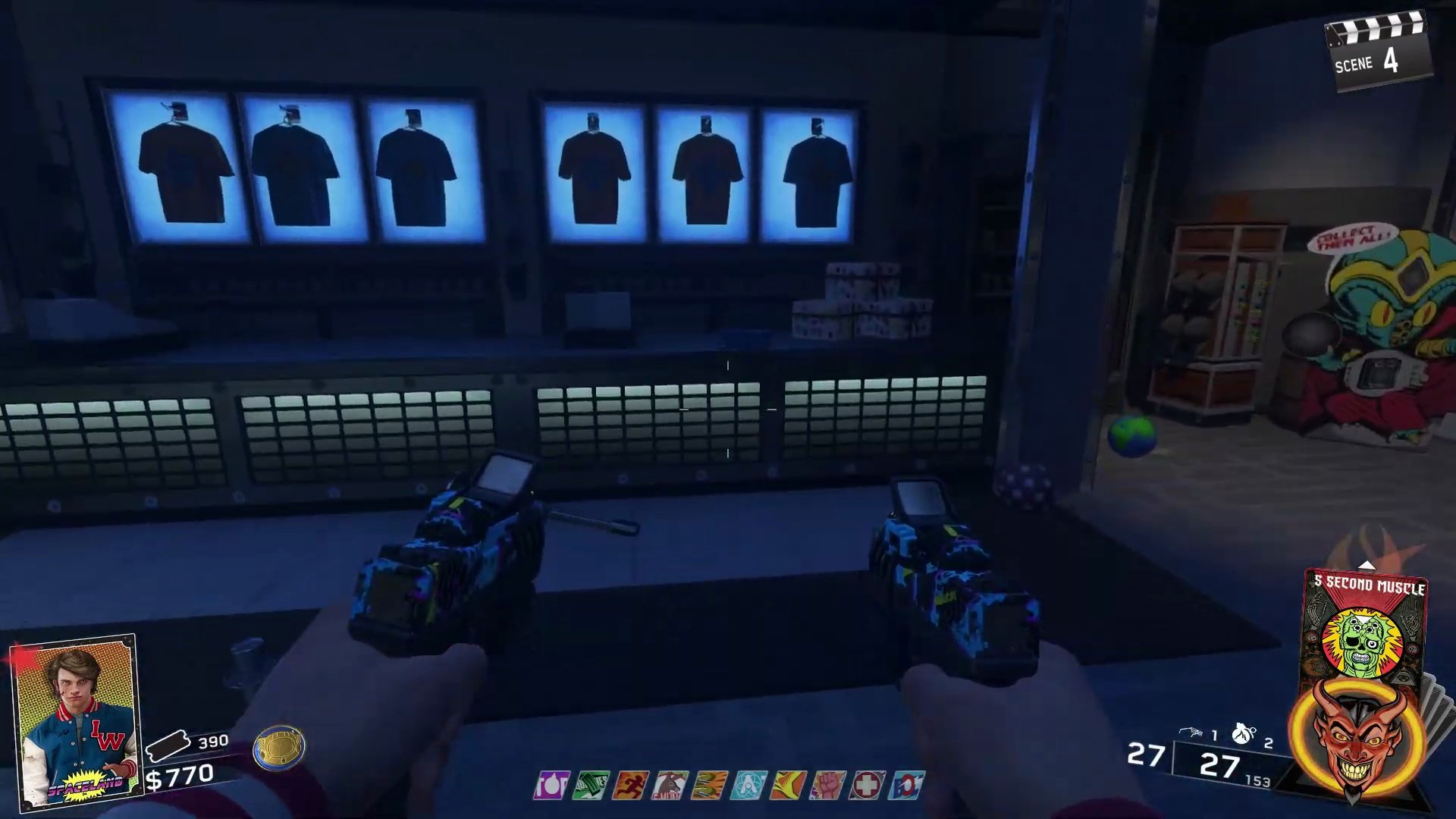
- On the counter in the Gift Shop area.
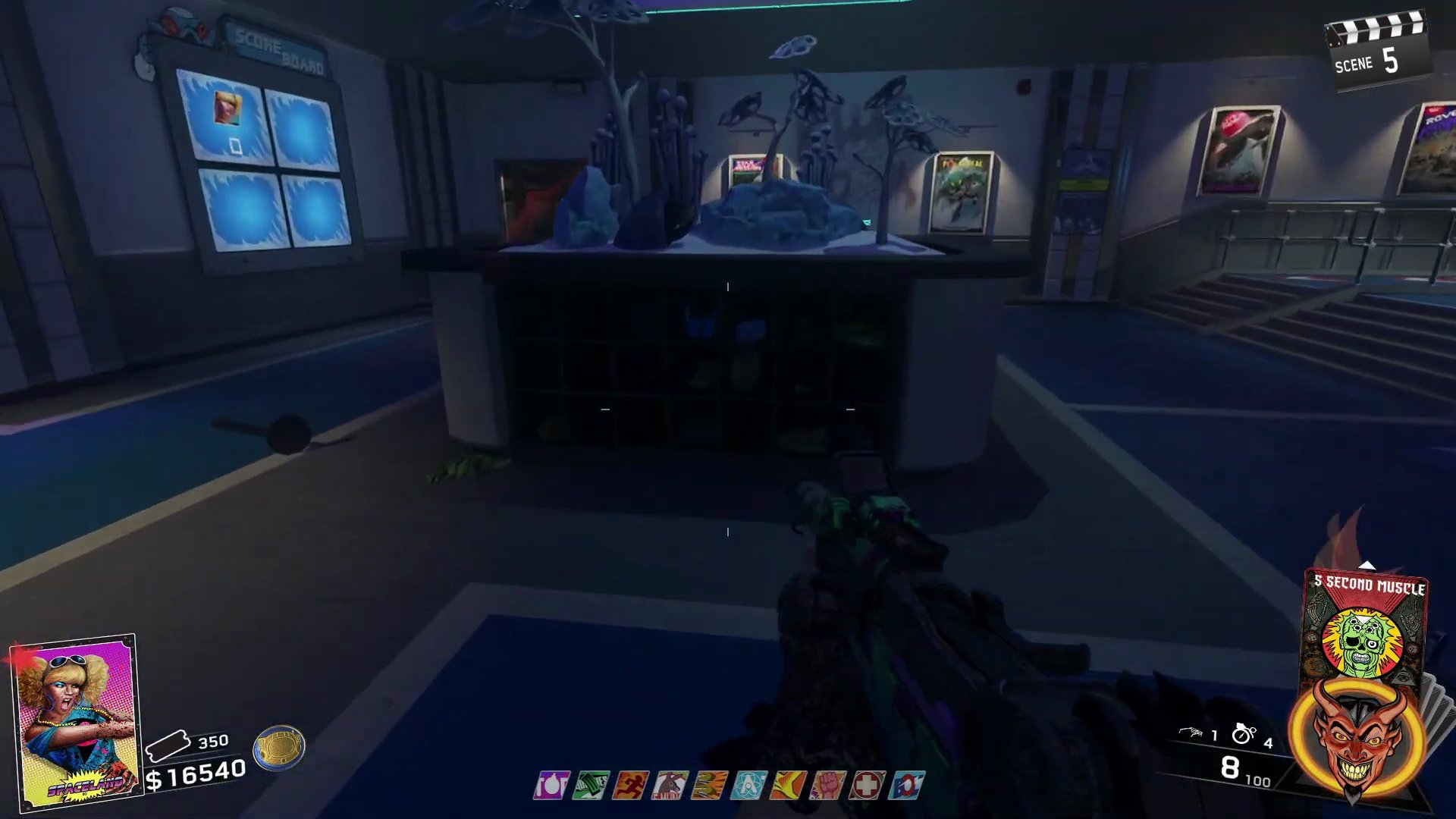
- Inside the 'shoebox' display, near the entrance to the rollercoaster ride.
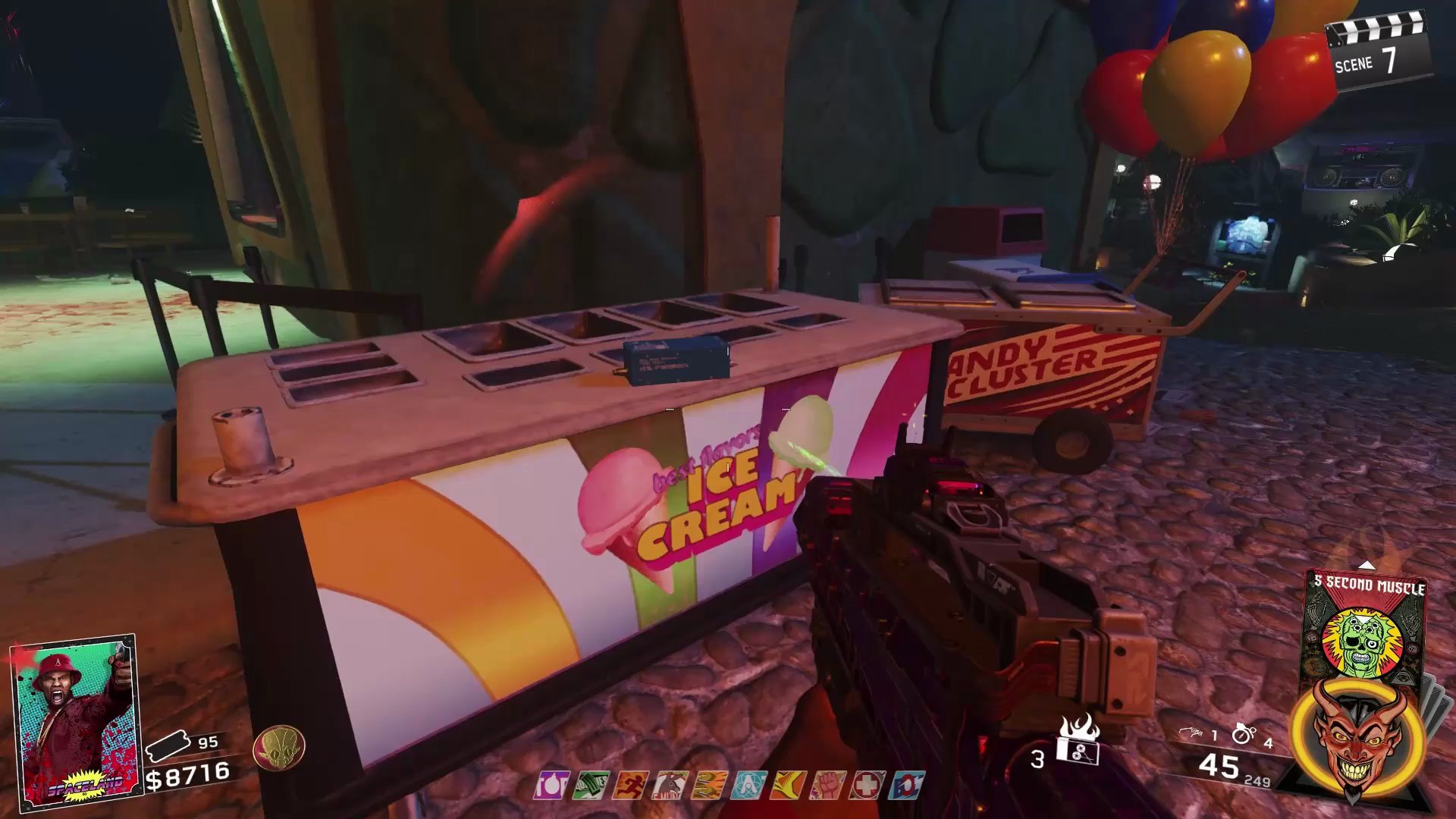
- On a candy cart across from the Chromosphere trap in the Kepler System.
- On a trash can in the upper area, above the Bomb Stoppers machine.
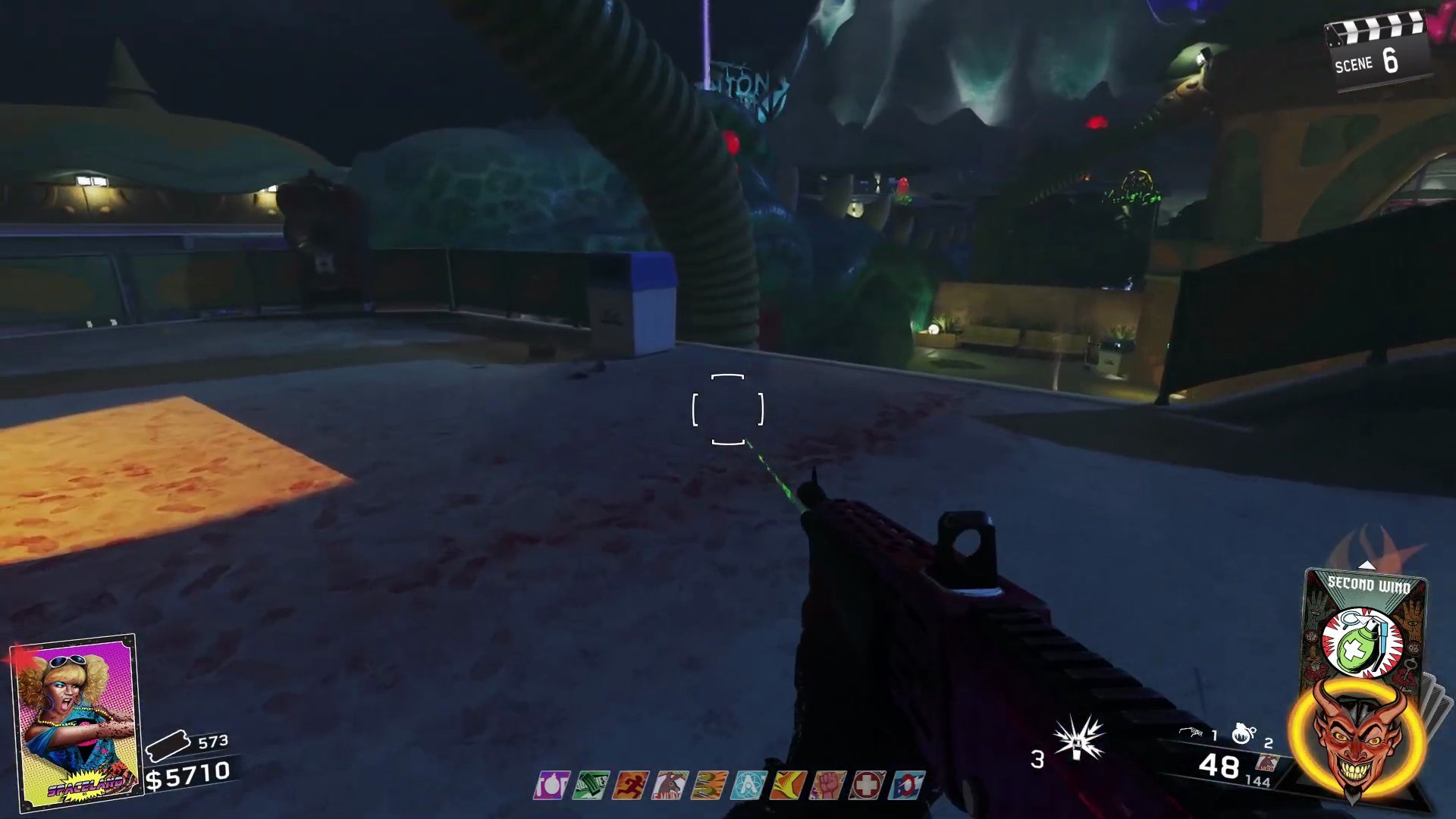
- On a yellow bench near the Croc Head trap and DJ booth area.
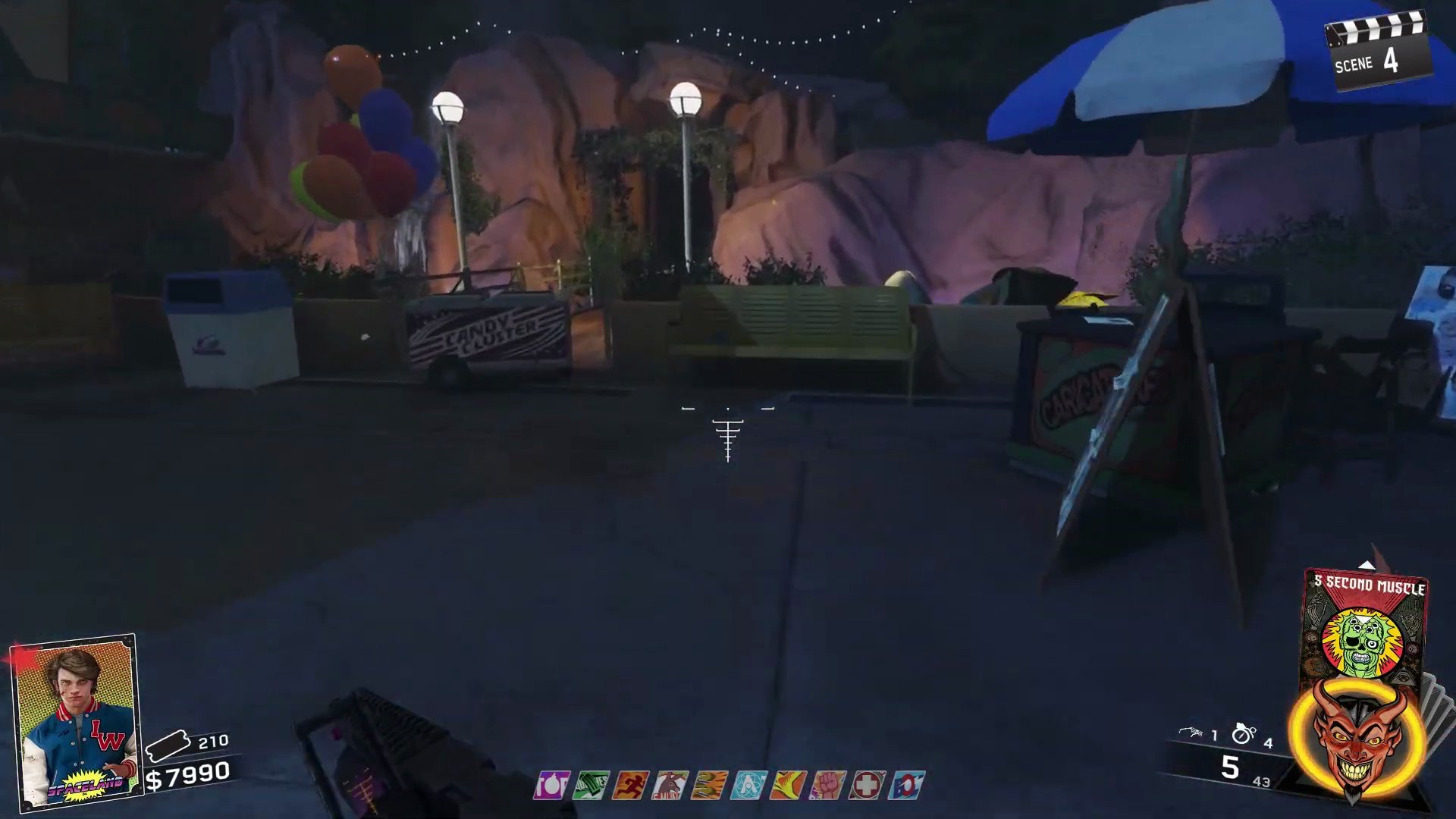
- Once found, return the auxiliary battery to Neil to reactivate him.
Step 4: Neil's Second Set of Challenges & Summoning The Hoff Again
With the auxiliary battery installed, Neil will present a new set of five challenges.
- Complete five new challenges. These challenges include tasks such as killing crawlers, getting kills in a row without taking damage, dismembering zombie legs, and killing zombies within a certain distance.
- Completing these five challenges will allow you to summon The Hoff once more.
Step 5: Neil's Third Repair - Floppy Disk
After his second appearance, The Hoff's timer will again expire, and Neil will need a floppy disk to reinstall his operating system.
- The Hoff will fly off once his timer runs out. Neil will display a message indicating a 'Boot sector corrupt' and requiring an OS reinstall.
- You must find a floppy disk. It will always spawn in one of four locations in the underground tunnels beneath the map.
- On a table in the first main room after entering the Journey to Space underground entrance.
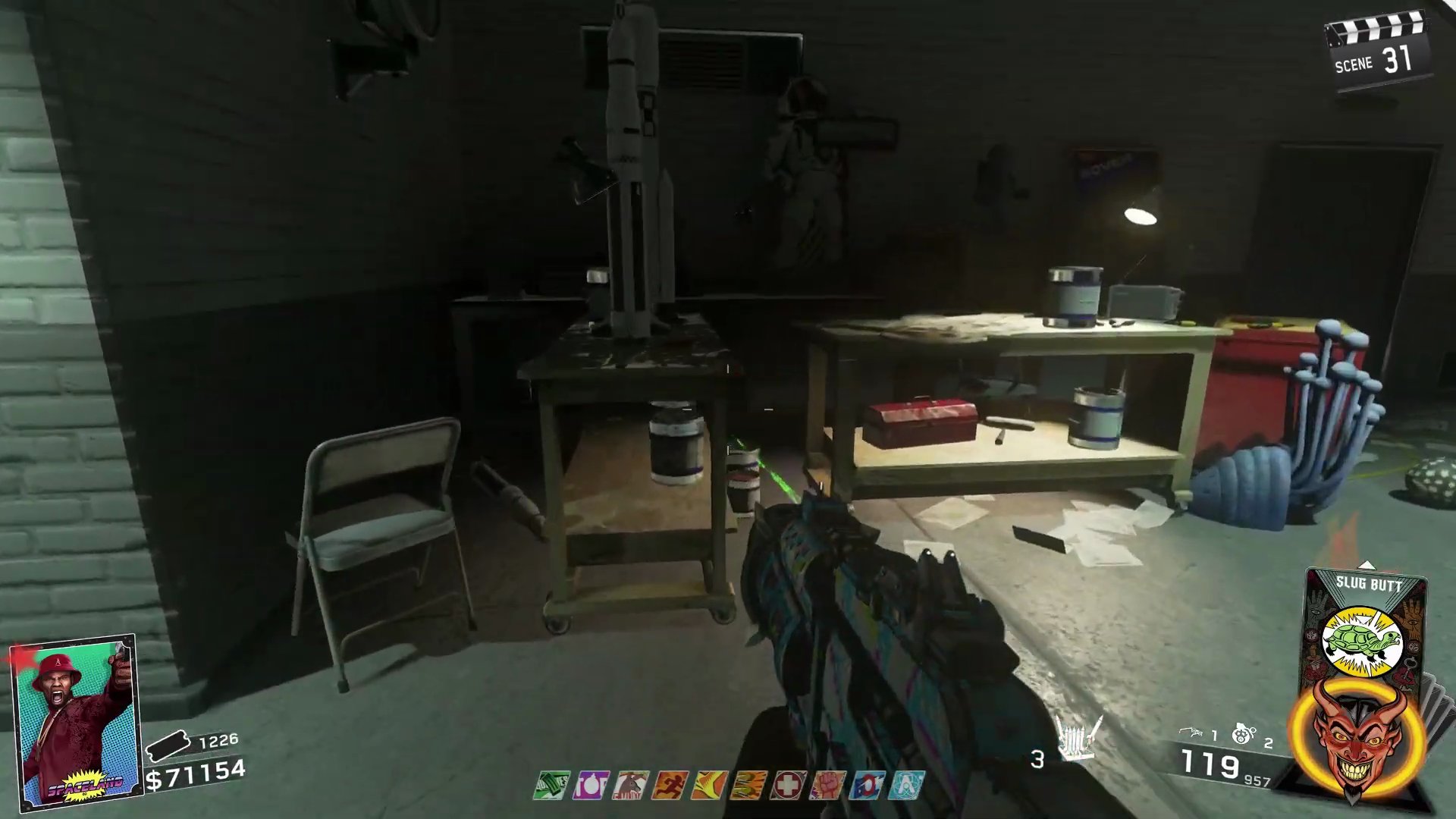
- On a workbench located right past the first table in the underground tunnels.
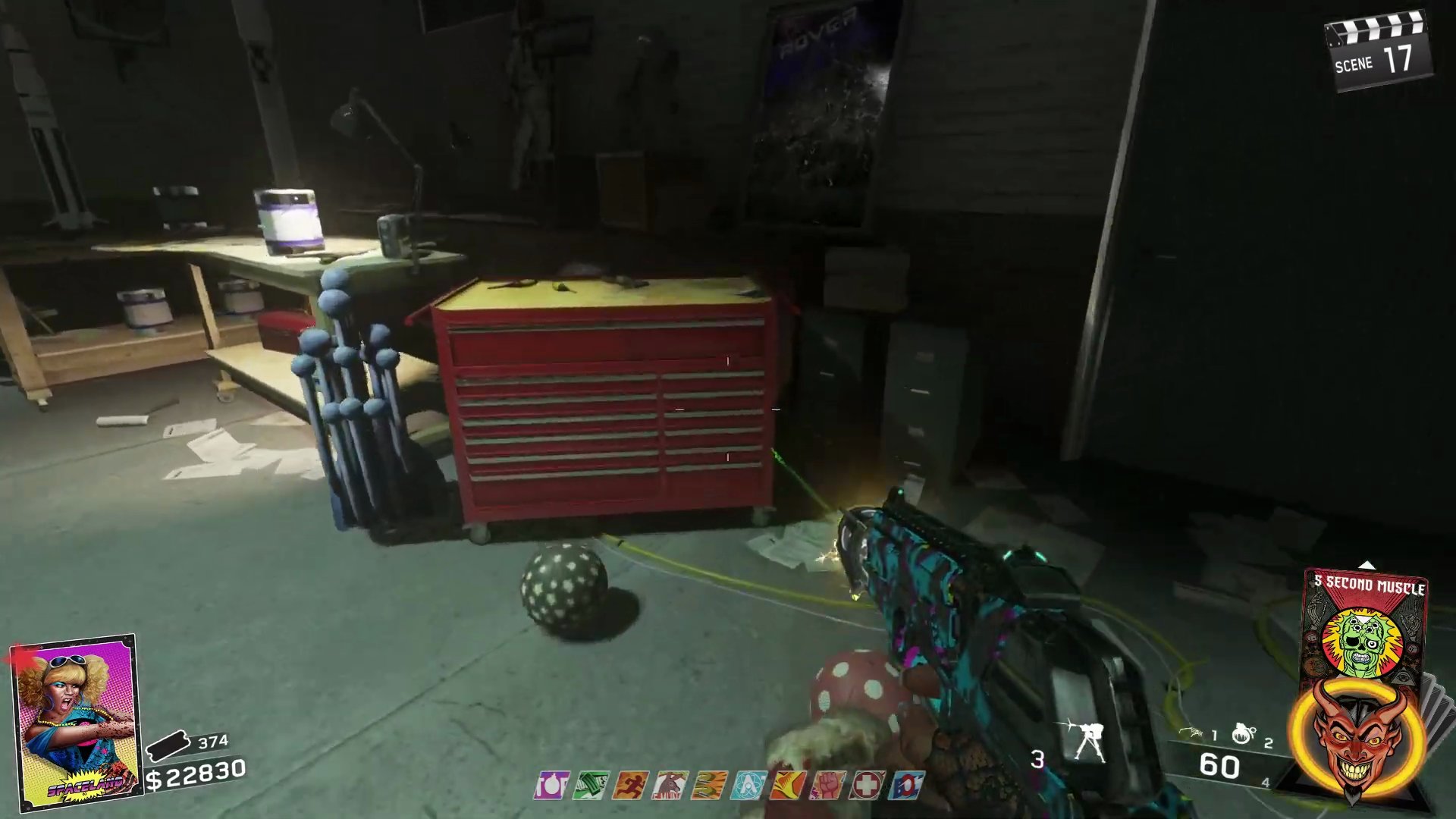
- On the wooden benches near the break room, further into the tunnel.
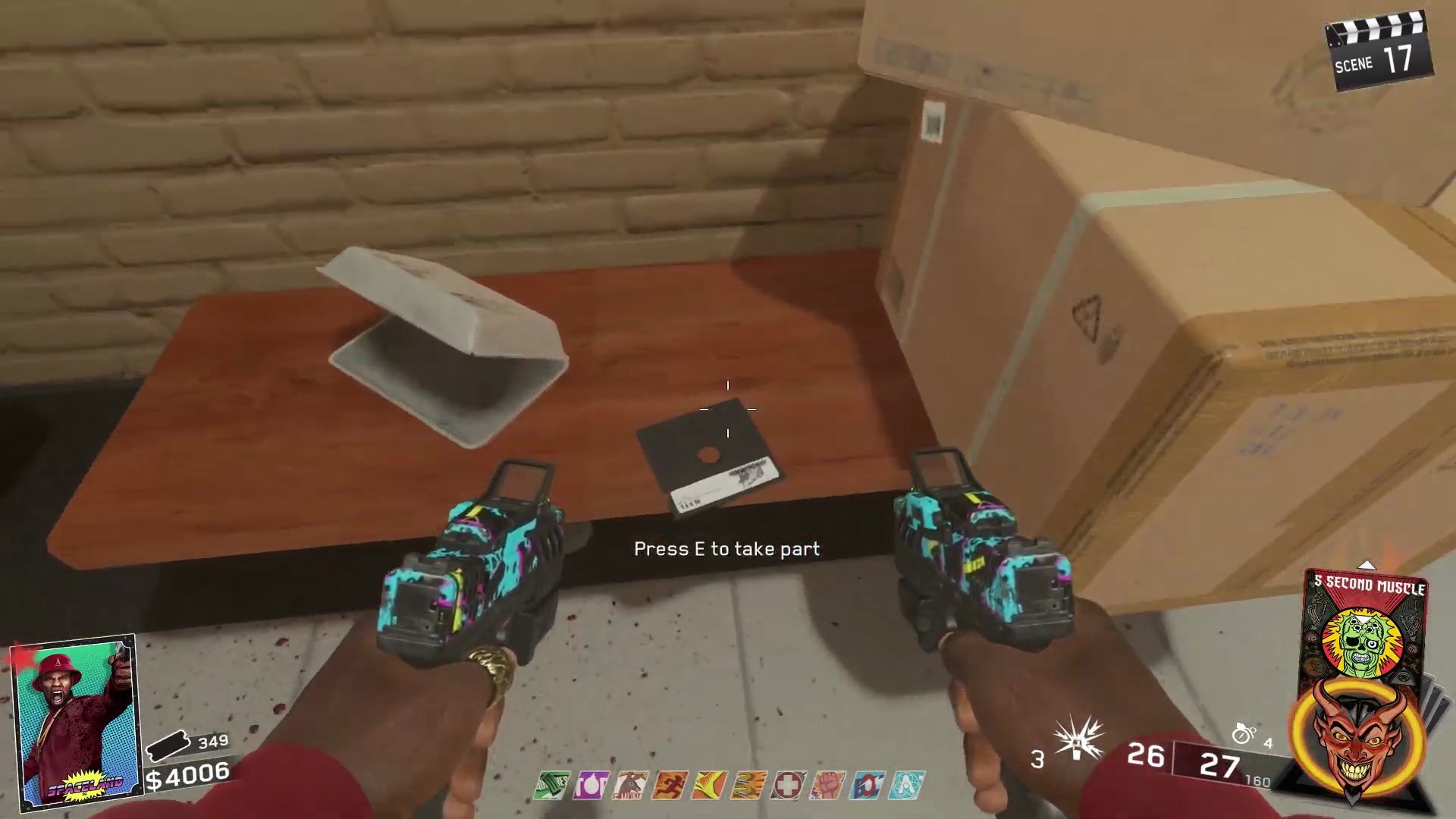
- On the corner of a table in the hallway leading to 'The Shredder' cardboard cutout area underground.
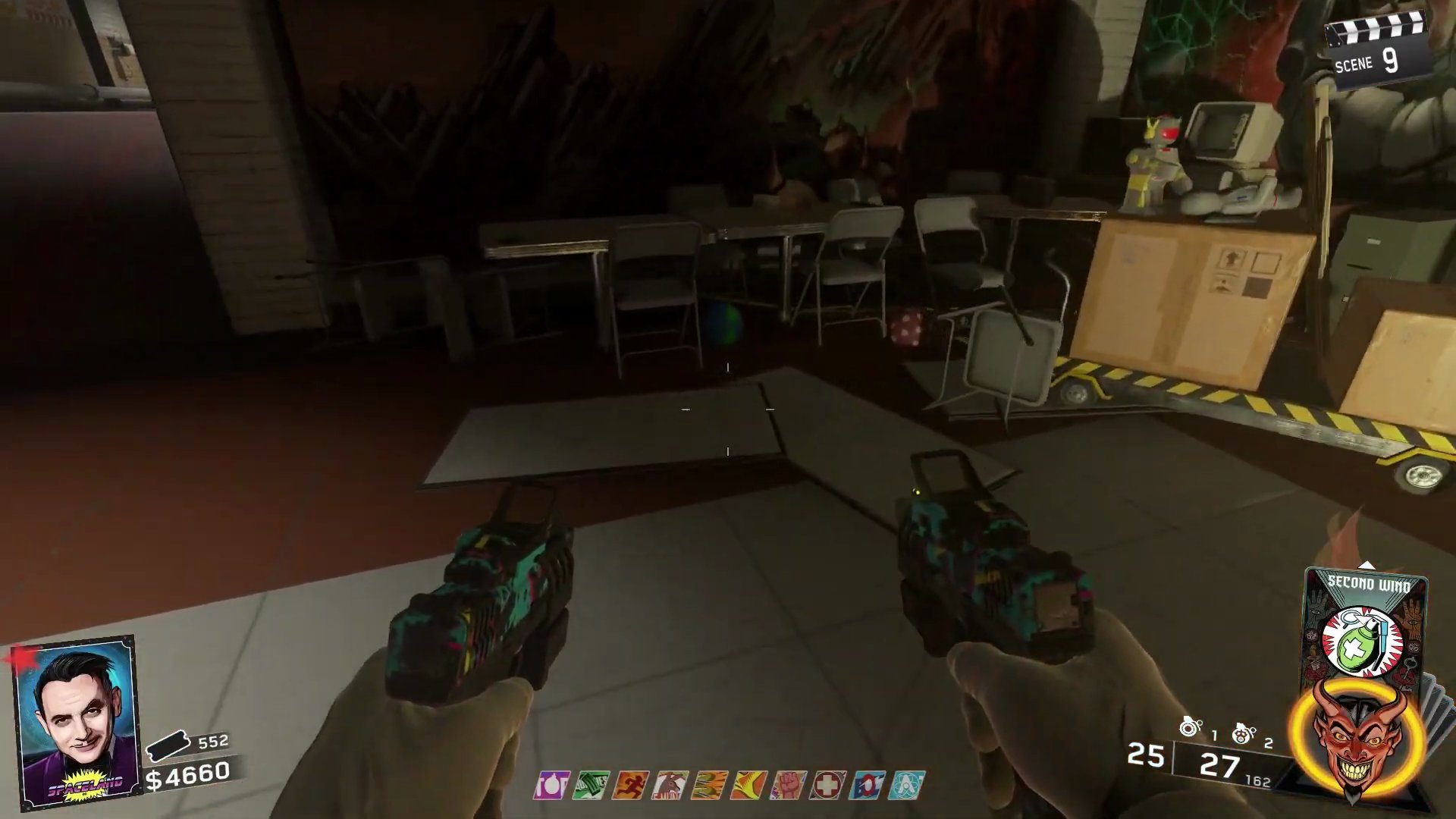
- Install the floppy disk into Neil to bring him back to full functionality.
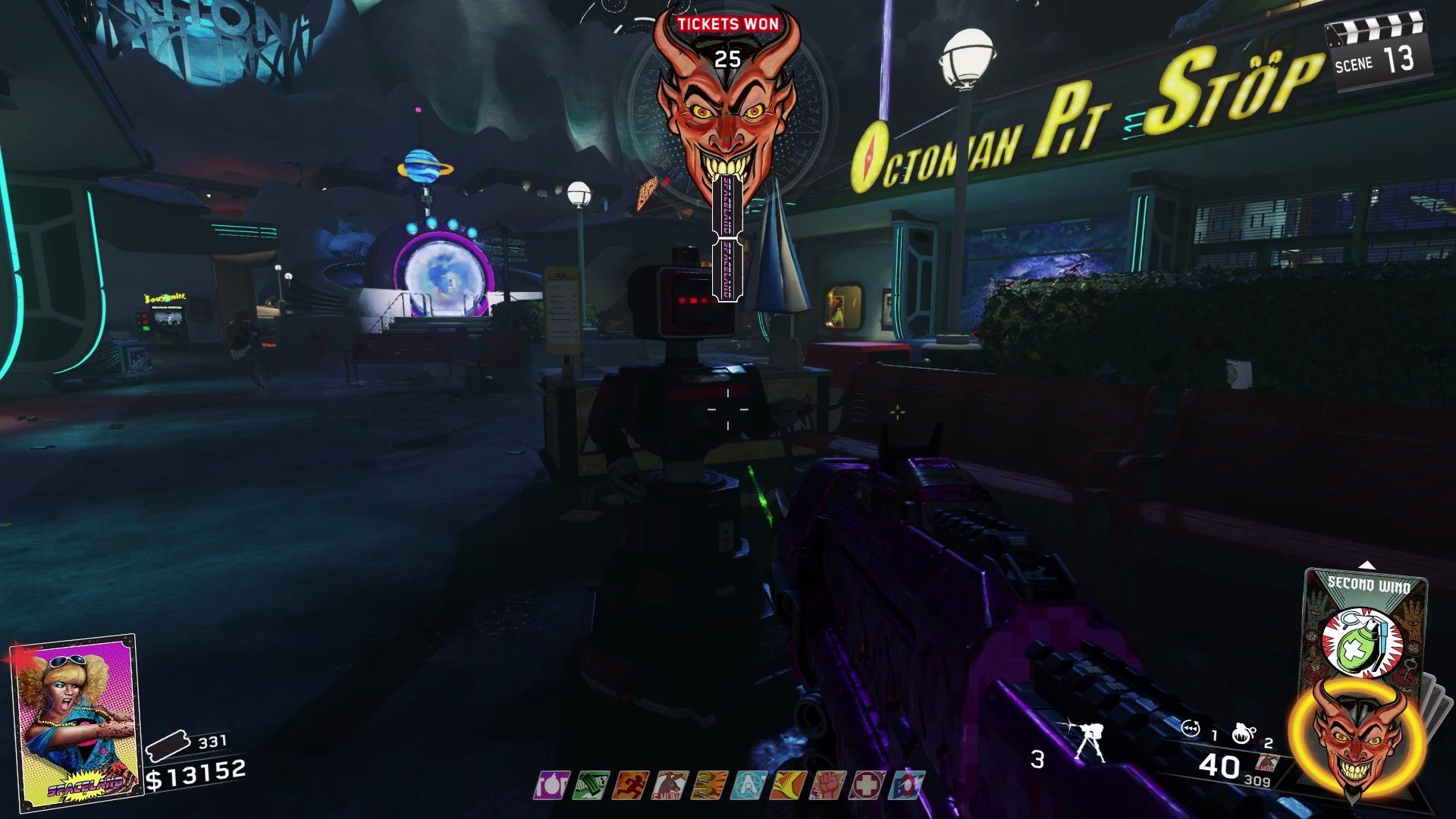
Step 6: Neil's Third Set of Challenges & Permanent Hoff Summons
For Neil's final set of challenges, prepare for increased difficulty, but success means unlimited Hoff support.
- Complete five final challenges. These challenges are more difficult and may include dismembering zombie arms, killing zombies from within a marked point on the map, or eliminating specific marked zombies before others.
- Successfully completing this third set of challenges will unlock the ability to summon The Hoff for the remainder of the game, as many times as you wish, for 5000 points each time.
Finished the Easter Egg?
Send this guide to your squad.