Mad Hatter Song
- Updated
- Jul 2, 2026
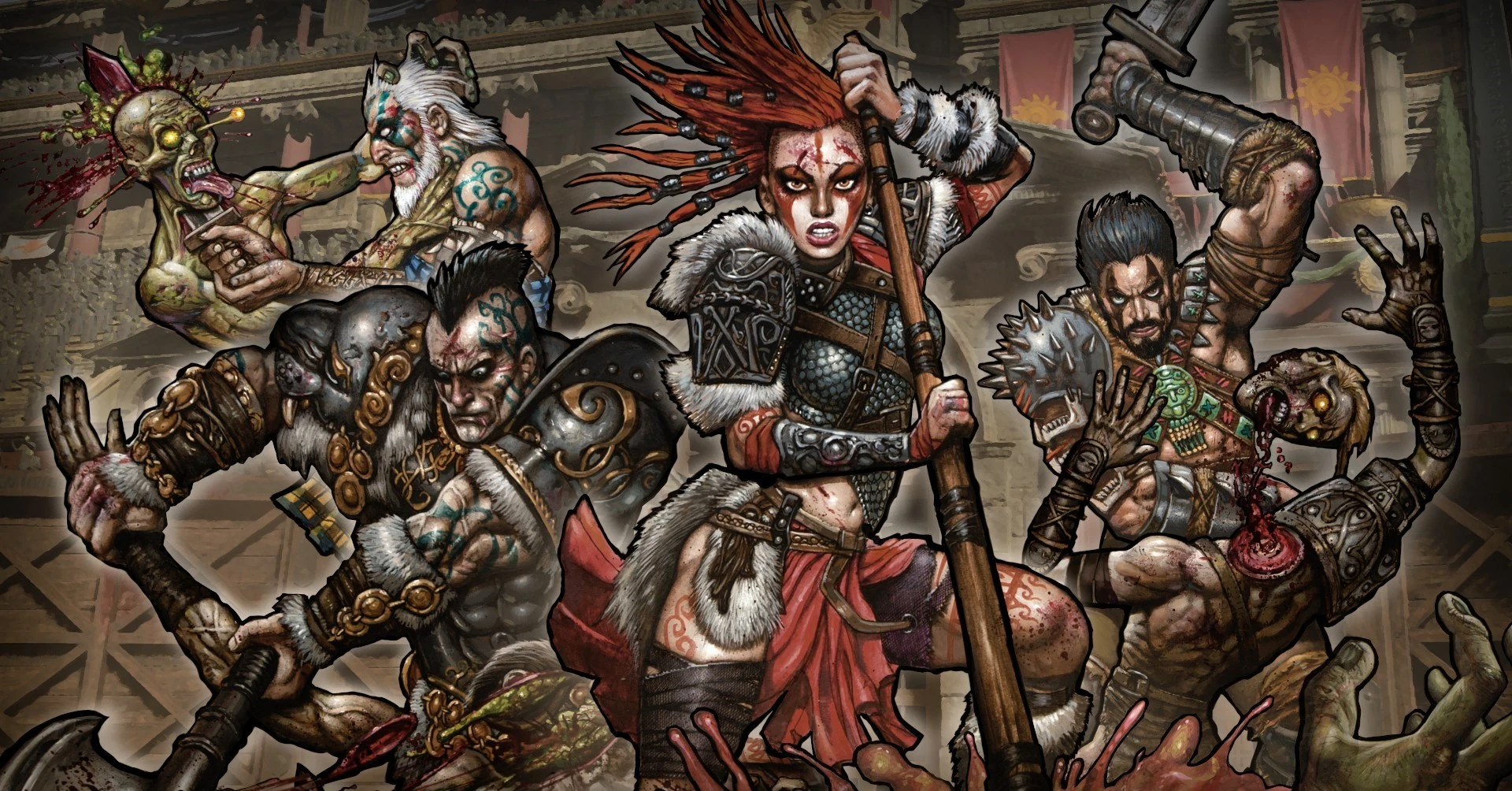
Overview
To activate the 'Mad Hatter' song on the 'IX' map, you must find and shoot four hidden coins located in different towers. Each coin has a distinct color and is found in a specific area.
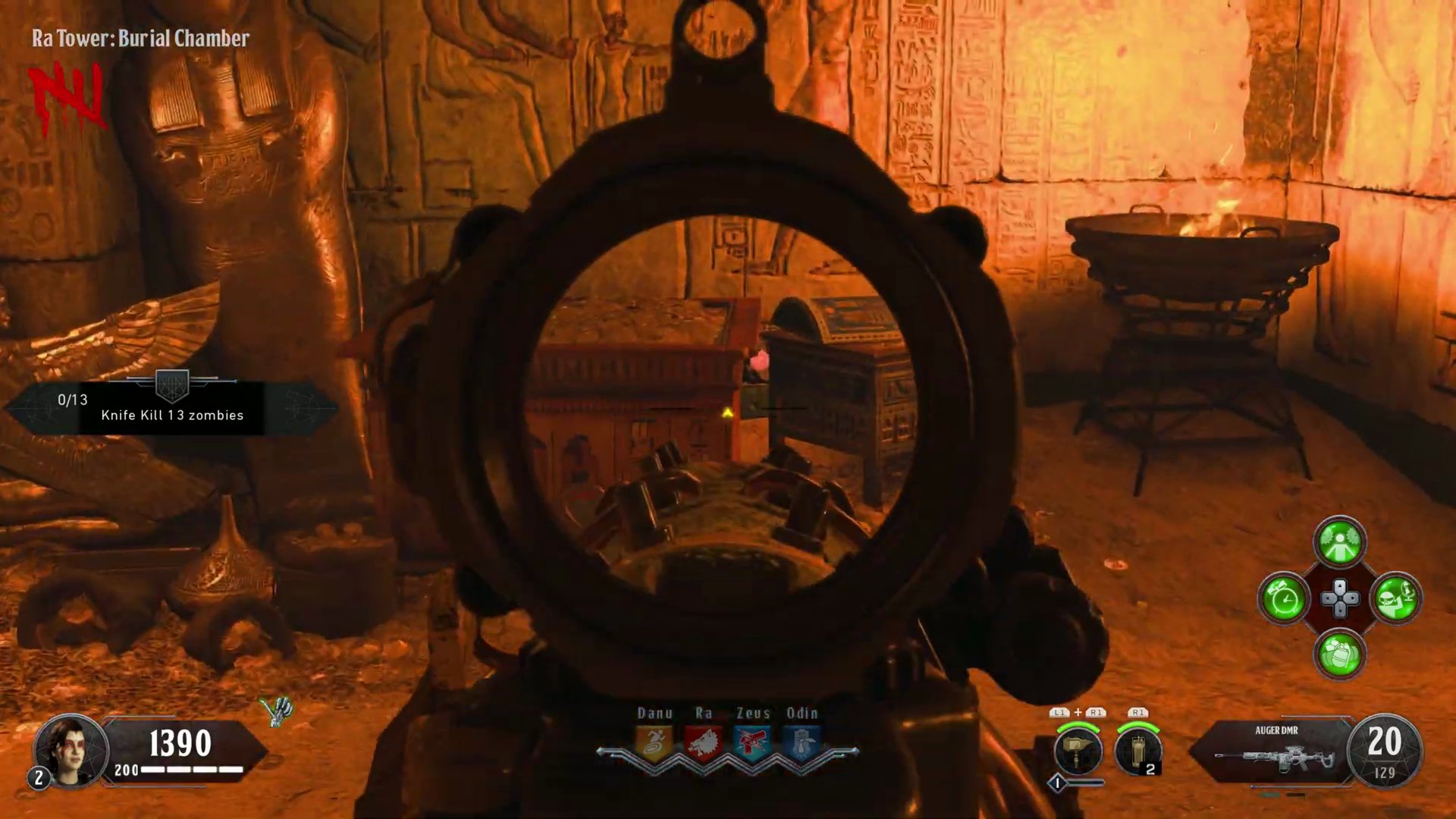
Step 1: Locate the First Coin (Ra Tower Burial Chamber)
- Head to the Ra Tower.
- Proceed into the Burial Chamber.
- On the right side of the room, near the Mystery Box spawn point, you will see two treasure chests.
- Aim your weapon between these two chests.
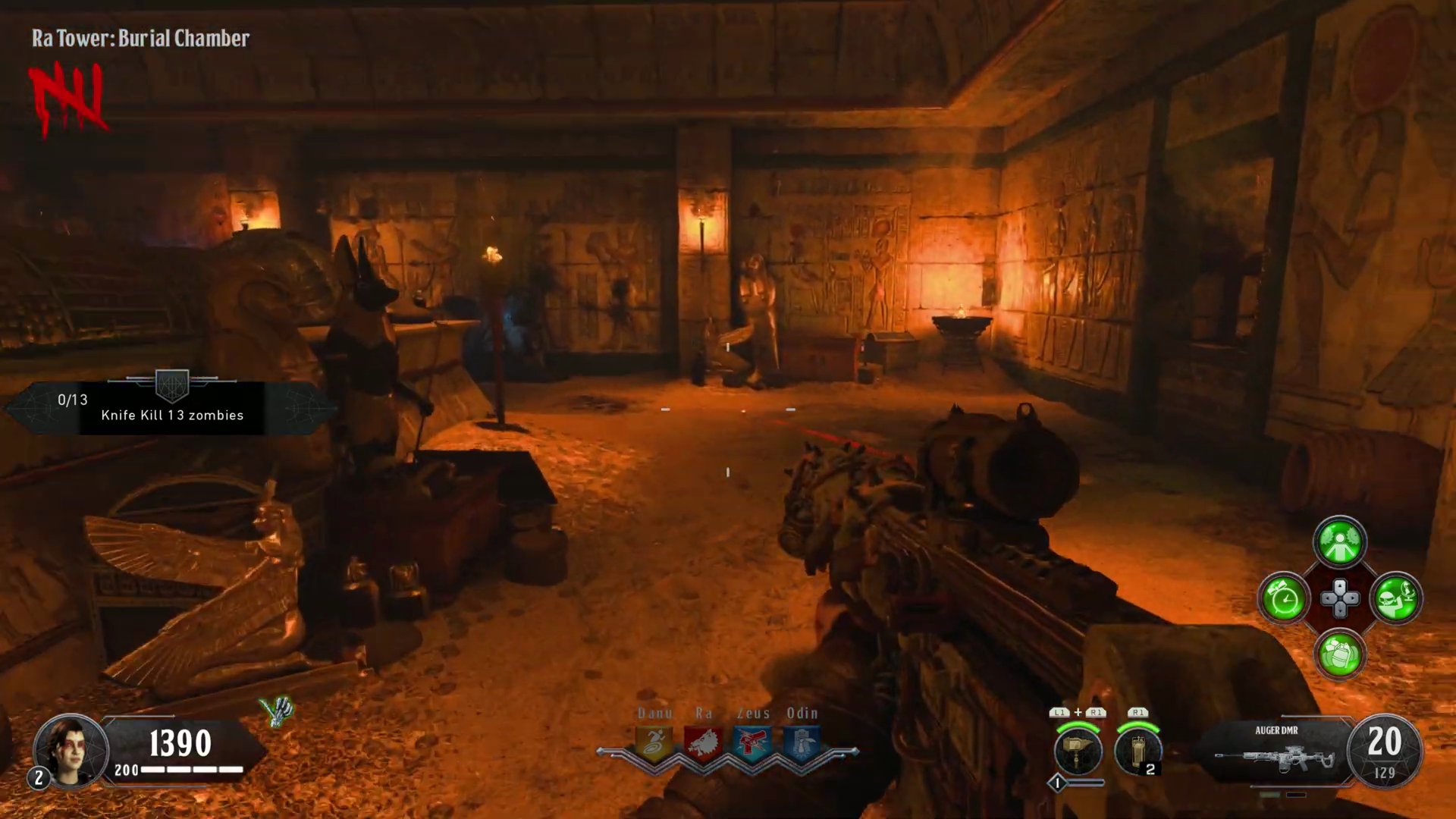
- Shoot the glowing red coin.
Step 2: Locate the Second Coin (Danu Tower Entrance)
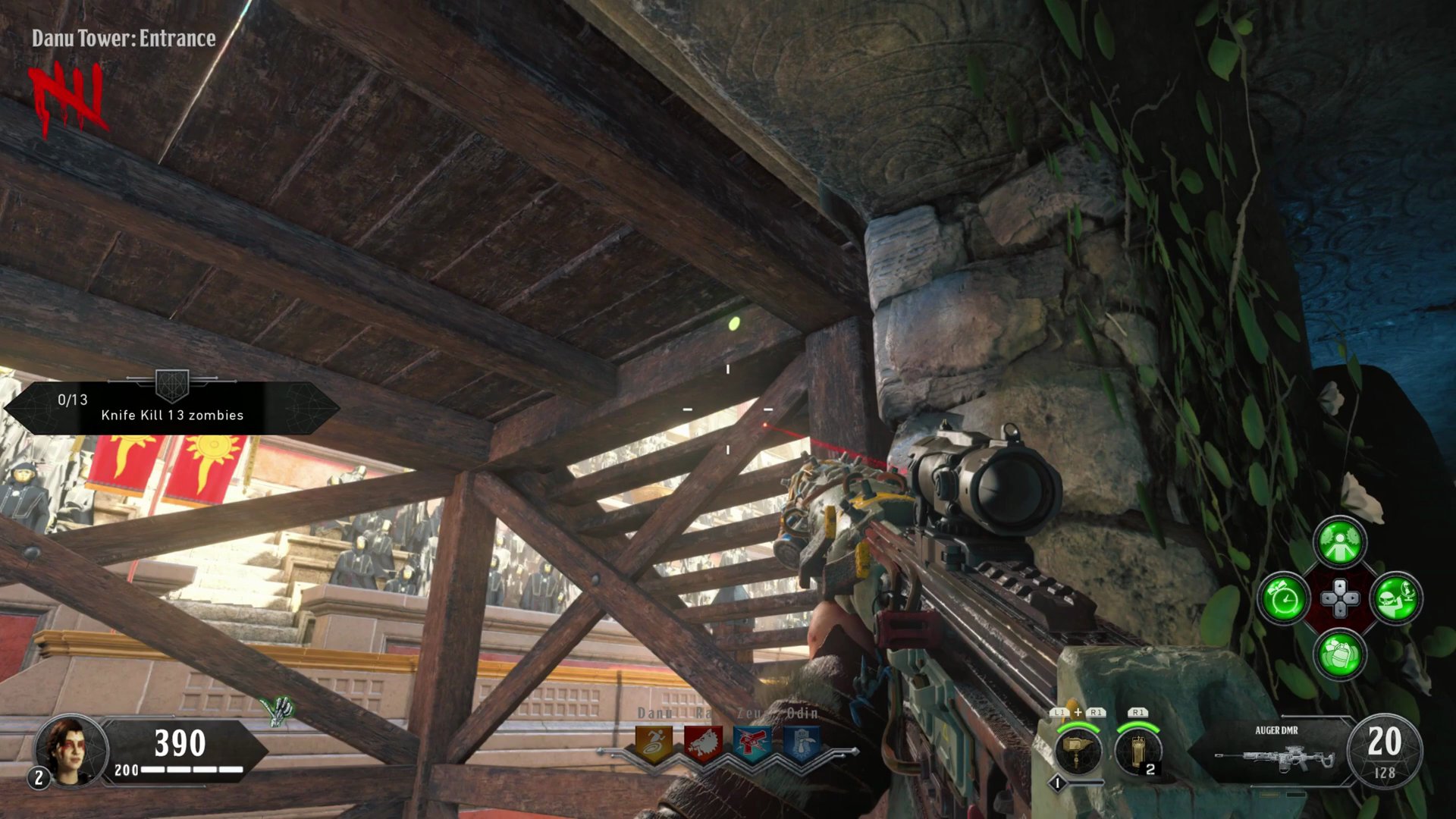
- Travel to the Danu Tower Entrance.
- Look towards the window area.
- Above the window, at the top of the nearby stairs, you will find the coin on a ledge.
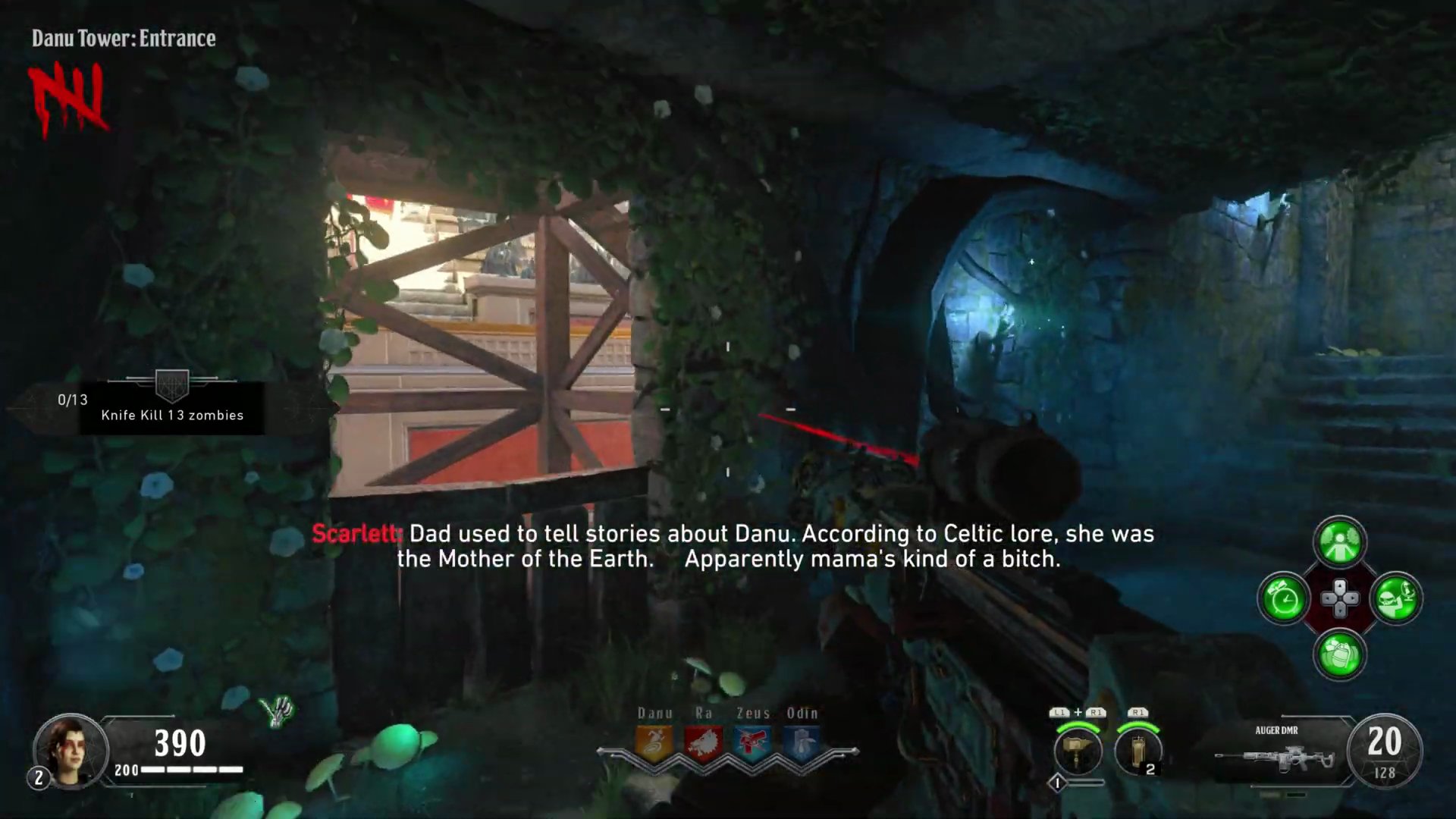
- Shoot the glowing green coin.
Step 3: Locate the Third Coin (Odin Tower Entrance)
- Navigate to the Odin Tower Entrance.
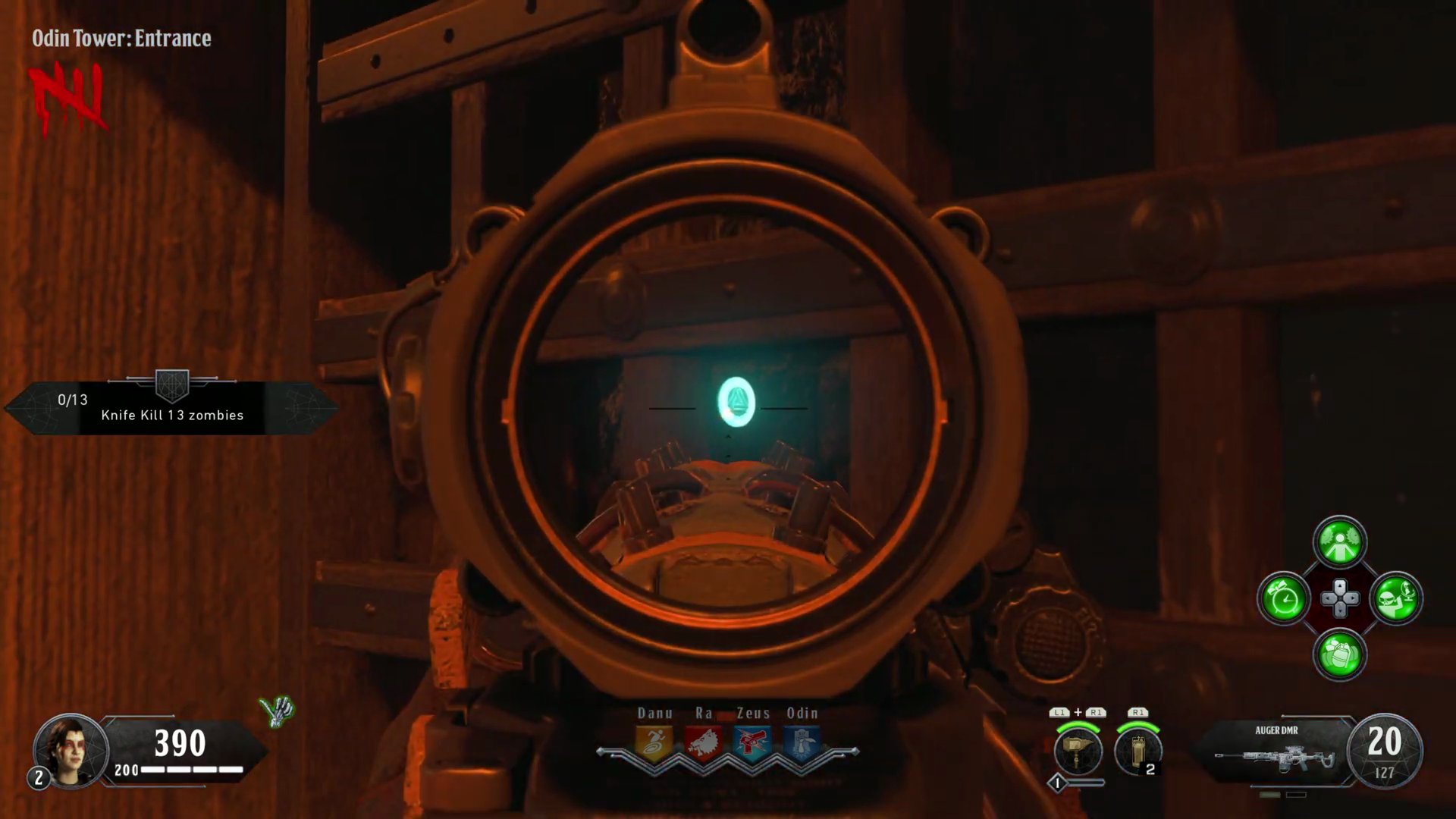
- Look for a small metal gate on the right wall.
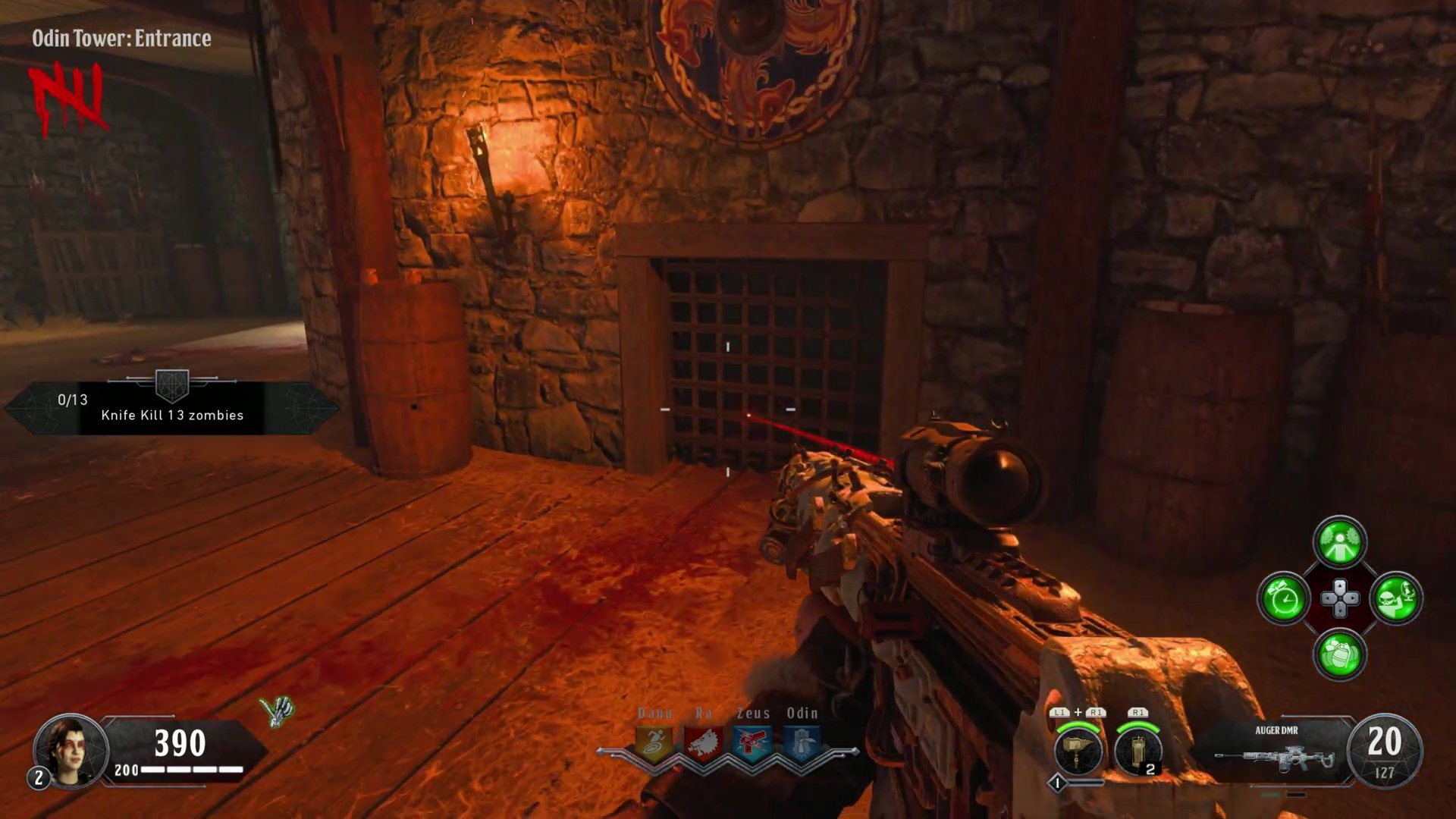
- The coin is hidden behind this gate.
- Shoot the glowing blue coin.
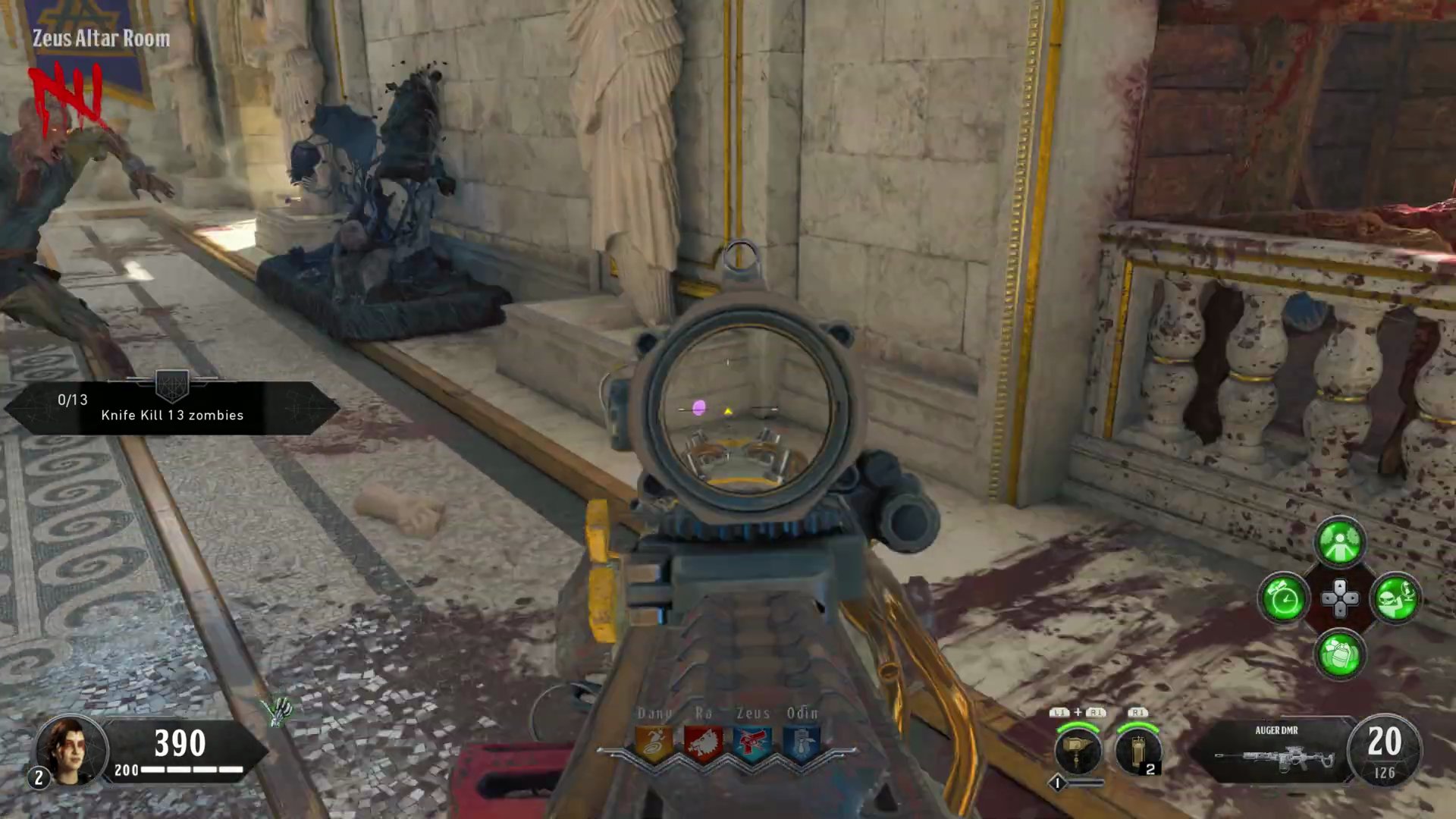
Step 4: Locate the Fourth Coin (Zeus Altar Room)
- Go to the Zeus Altar Room.
- Proceed to the back of the room.
- Look behind the small statue located there.
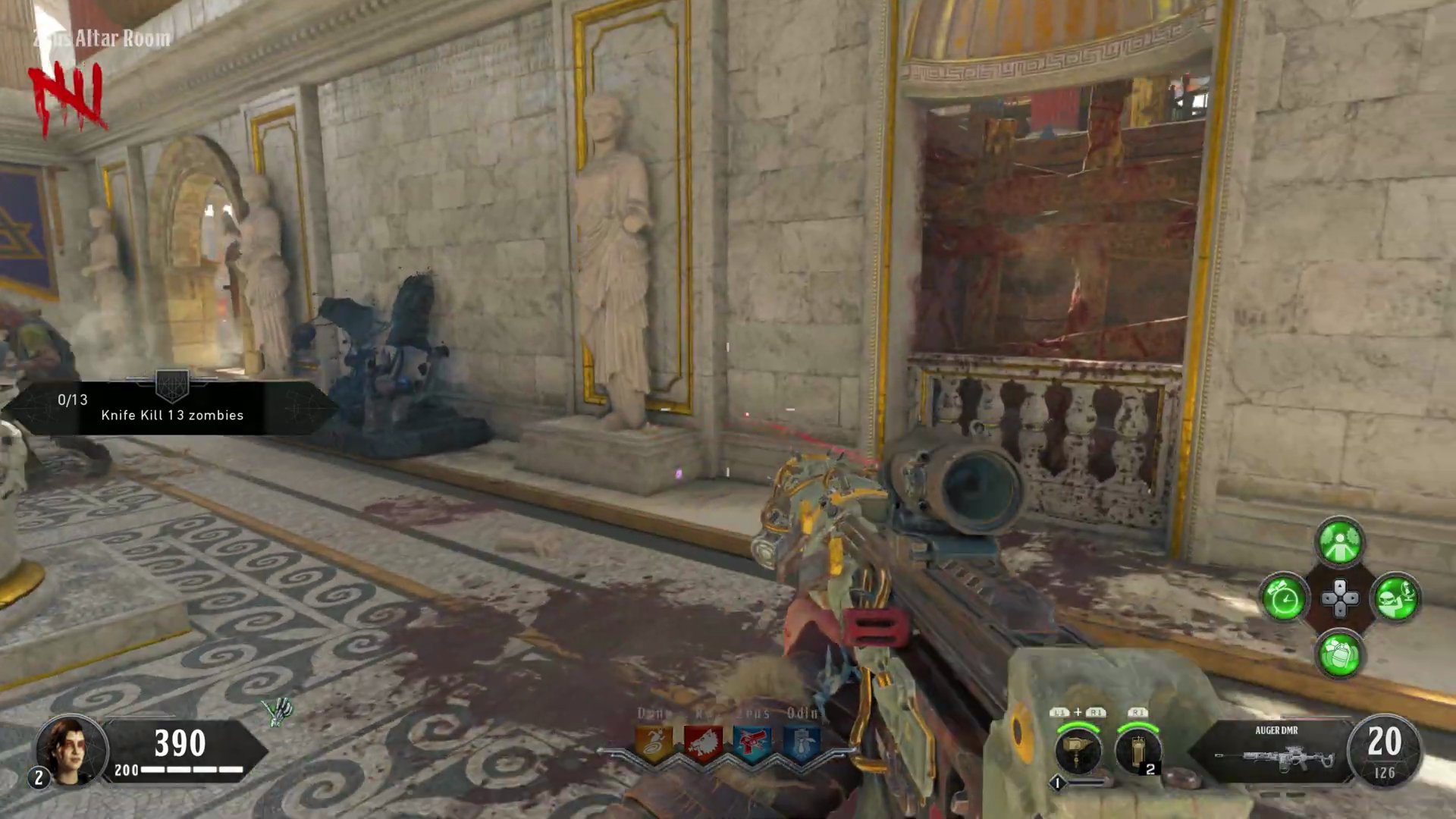
- Shoot the glowing purple coin.
Step 5: Activate the Song
- Once all four coins have been successfully shot, the 'Mad Hatter' song by Avenged Sevenfold will begin to play, signifying the completion of the Easter Egg.
Finished the Easter Egg?
Send this guide to your squad.